
How to Keep Up With K-Pop’s Record 2026 Comeback Season
Somewhere around the third comeback of the week, most fans hit the same wall. You open Weverse for a group you follow casually. There’s a live you missed. A teaser you missed. A fan cafe post you definitely missed. Multiply that by five or six active groups and the fatigue is real. Not because you don’t care — because the release calendar this year genuinely doesn’t stop.
When I checked release trackers for the back half of July, the pattern was consistent across outlets: multiple comebacks landing in the same seven-day window, several times over. That’s not a one-off — it’s the shape 2026 has taken.
2026 Best Apps for Tracking K-Pop Comebacks
Jump to a Section
- Why 2026’s Comeback Pace Feels Different
- Method 1: Build a Release Radar You Actually Check
- Method 2: Sort Groups Into Tiers Before You Get Overwhelmed
- Method 3: Set Boundaries So Comebacks Don’t Eat Your Week
- Tracking Method Comparison
- Tips
- Things You’ll Need
- Warnings
- References
- Q&A
Why 2026’s Comeback Pace Feels Different
Industry trackers covering the July 2026 release slate counted comebacks and returns from acts including i-dle, KIHYUN, YEONJUN, U-KNOX, 8TURN, fromis_9, NCT WISH, and rookie debuts landing back to back rather than spread evenly across the month. Some weeks had three or four full releases stacked on top of each other. That’s not unusual for any single week — it’s the density across the whole summer that’s new.
Here’s the part that trips people up. A comeback isn’t just a music video anymore. There’s a countdown teaser first. Then a concept photo drop. A highlight medley follows. The title track MV lands, and often a performance video within 48 hours. Then a run of music show stages starts. Following one group’s full rollout is already a part-time hobby. Following six at once is a different problem entirely.
This is where the record pace actually helps, in a strange way — because it forces a system. Fans who used to check five apps out of habit are the ones burning out first. Fans with one calendar and a short list of alerts are still enjoying the season in August.
Method 1: Build a Release Radar You Actually Check
Pick one primary calendar source
Choose a single comeback-tracking source as your default — a dedicated app, a subscribed release-calendar newsletter, or a fan-run spreadsheet that gets updated weekly. Don’t run three in parallel; that’s how people end up checking nothing consistently.
Sync it to your actual calendar
Export or manually add release dates for your top groups into your phone calendar, not just the tracker app. Apps get deleted or ignored. A calendar reminder at 8 a.m. on release day does not.
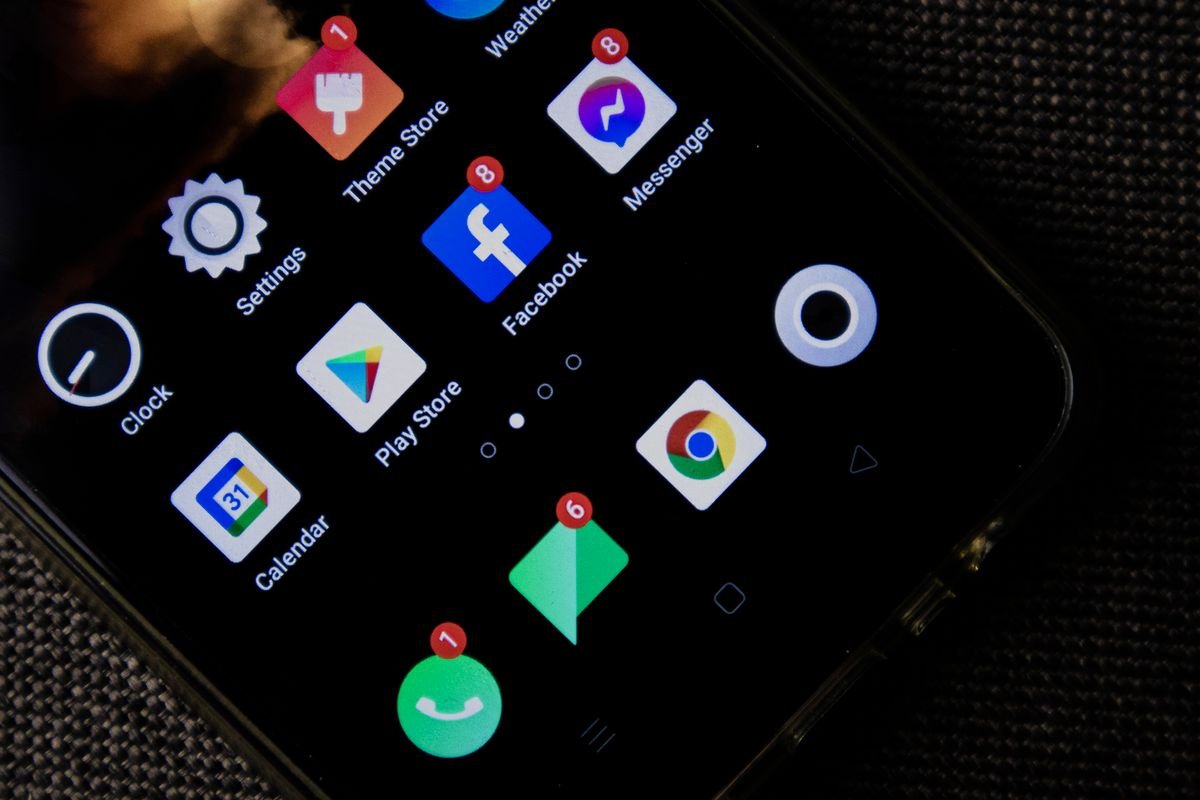
Turn off notifications for groups you follow loosely
Keep push alerts only for artists you’d genuinely be upset to miss. For everyone else, check the calendar on your own schedule instead of reacting to every ping.
Method 2: Sort Groups Into Tiers Before You Get Overwhelmed
Tier your artists honestly
Split your list into three tiers: must-watch live, watch within 24 hours, and catch whenever. Be honest — not everyone you like needs a same-day watch.
Reserve live-watching for Tier 1 only
Save real-time comeback stages, countdown lives, and fan cafe activity for your top tier. Tier 2 and 3 releases are just as good the next morning with coffee. If a Tier 1 group also has fan club perks worth having, it’s worth doing that setup once properly — see our guide to joining an official K-pop fan club safely so you’re not scrambling during comeback week itself.
Revisit the tiers every few months
Comeback fatigue often comes from treating every group like Tier 1 forever. Groups move up and down your list naturally — let the tiers move with them.
Method 3: Set Boundaries So Comebacks Don’t Eat Your Week
Batch your comeback catch-up
Instead of checking in every hour, pick one or two set times a day to review what dropped. Most content is still there hours later — a title track isn’t going anywhere.
Mute spoilers for anything you’re saving
If you’re planning to watch a stage later, mute the group’s name on social apps for the day. Timeline spoilers are the single biggest reason people say a comeback “felt ruined” by the time they got to it.
Accept that you will miss some lives
This one’s less a step and more a mindset. When I looked back at older comeback seasons, the fans who stuck around longest weren’t the ones who caught everything live — they were the ones who didn’t treat missing one stream as a failure.
Tracking Method Comparison
| Method | Setup time | Cost | Best for |
|---|---|---|---|
| Dedicated tracker app | 5-10 minutes | Free, some have ads | Casual multi-group fans |
| Official artist channels (Weverse, YouTube) | 2 minutes per group | Free | Fans with 1-3 must-follow groups |
| Fan-run release calendar sites | One-time bookmark | Free | People who prefer a browsable list over alerts |
| Manual calendar reminders | 10-15 minutes monthly | Free | Fans who want zero app clutter |
None of these needs to be exclusive. Most sustainable setups end up mixing two — a calendar for the big picture, official channels for the groups that matter most.
Tips
- ✅ Set one weekly “catch-up hour” instead of checking constantly throughout the day.
- ✅ Follow official Weverse or fan cafe accounts for your Tier 1 groups only — skip the rest.
- ✅ Use a shared calendar with friends who like the same groups so nobody has to track everything solo.
Things You’ll Need
- A calendar app you already check daily
- Accounts on official platforms for your top-tier artists (Weverse, YouTube, Spotify)
- A short, honest list of which groups are actually Tier 1 for you
Warnings
⚠️ Third-party “leak” accounts and unofficial teaser reposts sometimes get comeback dates or track titles wrong before agencies confirm them. Cross-check against an official source (label announcement, Weverse, or the artist’s verified channel) before treating a date as final.
References
Sources consulted for this guide, current as of publish date. Comeback dates shift — always confirm against the official channel before making plans.
- Weverse — official artist platform
- Soompi — K-pop news and tour coverage
- Billboard Culture — K-pop industry coverage
Q&A
Q: Is it bad to skip watching a comeback stage live?
A: No. Streaming numbers and replay counts still credit views after the live window — a same-day watch matters far less than most fans assume.
Q: How many groups can I realistically follow closely?
A: Most fans who avoid burnout keep their Tier 1 list to two or three groups and treat everything else as optional viewing.
Q: Do official apps notify faster than fan trackers?
A: It varies by agency and app. When I compared alert timing across a few tracker apps and official channels, neither was consistently faster — the real gap was in which one people actually kept notifications turned on for.
Pick one tracker, keep alerts only for your must-watch tier, and set a single catch-up window each day. That’s the whole system — everything else is just noise you can safely mute.
Frequently Asked Questions
Do streaming views still count if I watch a comeback stage after the live window?
Yes. Replay and same-day views still credit toward streaming and view counts after the live airing ends, so a delayed watch matters far less than many fans assume. Saving Tier 2 and Tier 3 releases for later doesn’t cost the artist your view.
What if a comeback date I saw turns out to be wrong?
Third-party “leak” accounts and unofficial teaser reposts sometimes get comeback dates or track titles wrong before an agency confirms them. Cross-check any date against an official source, such as the label announcement, Weverse, or the artist’s verified channel, before you plan around it.
Is it worth turning on notifications for every group I follow?
Usually not. Keeping push alerts only for your must-watch (Tier 1) groups and checking a release calendar for everyone else is what keeps most fans from burning out during a dense comeback stretch. Notification overload, not lack of content, is typically the real bottleneck.