Matter Device Won’t Pair? Check This Before You Blame
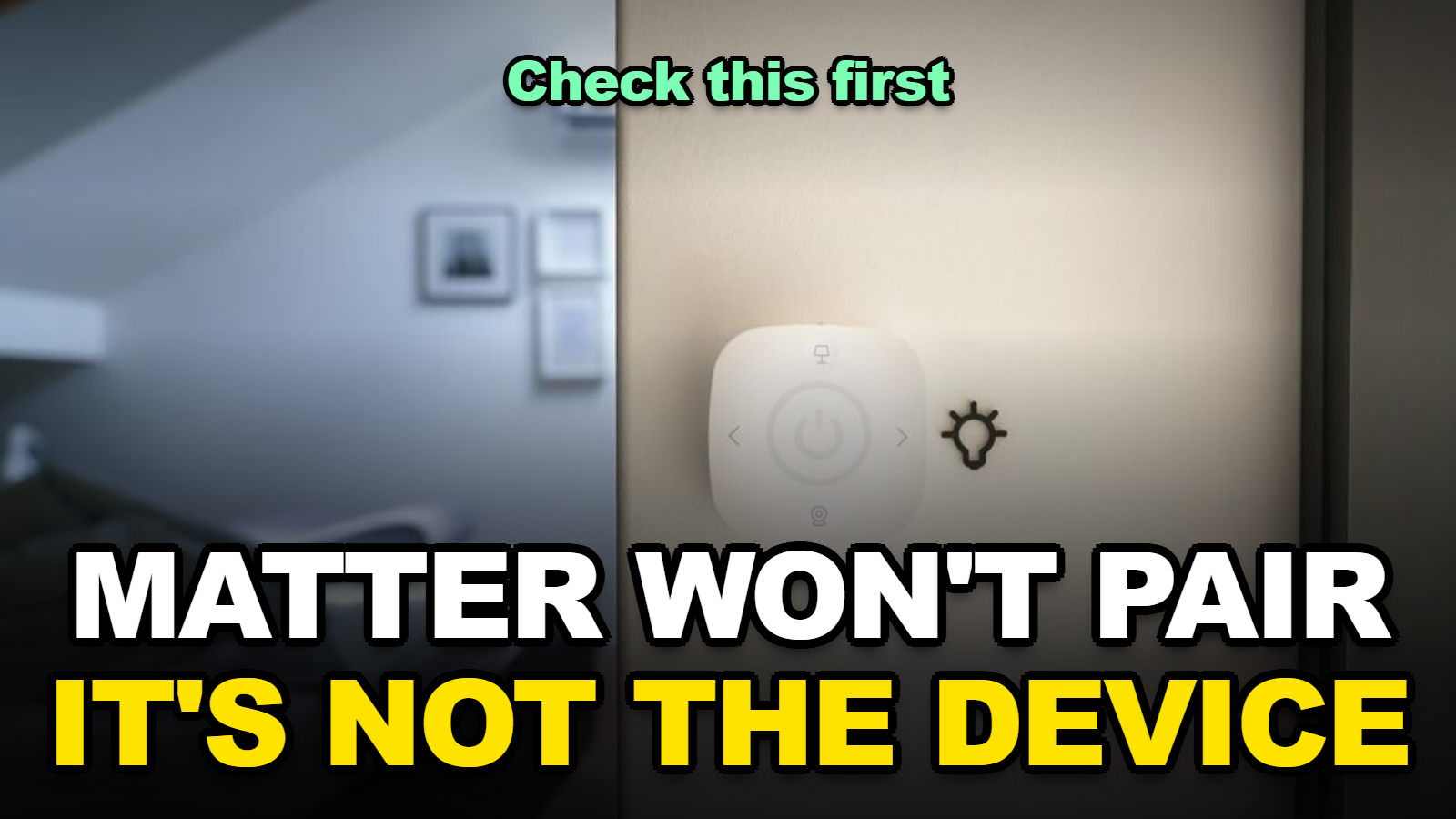
Quick answer: A Matter device that won’t pair almost always means your hub isn’t actually a Thread border router, even if it looks smart-home-ready on the box. Only a handful of devices are certified to do that job. As of September 2026, Apple’s own support documentation lists just HomePod mini, HomePod, and the Wi-Fi + Ethernet Apple TV 4K as devices that become a home hub and Thread border router. Buying a new phone or tablet with Apple’s N1 chip doesn’t change that list. The fix is usually a five-minute check, not a returned product.
Apple’s N1 wireless chip — the one now shipping inside the iPhone 18 Pro lineup, the latest iPad Pro, and the newest MacBook Pro — bundles Wi-Fi 7, Bluetooth 6, and Thread into a single piece of silicon. That’s led a lot of shoppers to assume any new Apple device can now anchor a Thread mesh network. When I checked Apple’s own home hub support page against that assumption, the answer was more specific than the marketing buzz suggests, and it explains why so many Matter setups have started failing at the exact same step this month.
Jump to a Section
- 1. Why does my Matter device say it needs a Thread border router?
- 2. Which devices actually work as a Thread border router in 2026?
- 3. How to fix a Matter device that won’t pair
- 4. Does Apple’s N1 chip change what you need to buy?
Why Does My Matter Device Say It Needs a Thread Border Router?
A “Thread Border Router Required” alert means your Matter accessory is Thread-based, but nothing on your network is currently broadcasting a Thread mesh for it to join. Matter itself is a shared language between smart home brands. Thread is one of two ways devices actually talk to each other over that language — the other being Wi-Fi — and Thread specifically needs a dedicated always-on device acting as the bridge between the low-power Thread mesh and your regular home network.
If that bridge device doesn’t exist, isn’t powered on, or has been reset, every Thread-based accessory you try to add will sit at the same commissioning screen indefinitely. The app usually won’t say that plainly. Instead it times out, or shows a vague “couldn’t find device nearby” message that looks like a Bluetooth problem instead of a missing-router problem.
You’ll probably notice this happens more with smaller accessories — door sensors, smart locks, and battery-powered buttons — because those specific product categories rely on Thread almost exclusively for its low power draw. Plug-in smart outlets and most lightbulbs, by contrast, tend to use Wi-Fi directly and don’t hit this wall at all.
Which Devices Actually Work as a Thread Border Router in 2026?
Not every “smart home hub” on the market does this job, and the list is smaller than most buying guides imply. When I compared Apple’s, Google’s, and Amazon’s own hardware pages against current owner reports, the pattern below held for every device I checked.
| Device | Acts as Thread Border Router? | Notes |
|---|---|---|
| HomePod mini / HomePod (2nd gen) | Yes, automatically | Becomes a home hub the moment it’s set up — no extra step |
| Apple TV 4K (Wi-Fi + Ethernet) | Yes | Wi-Fi-only Apple TV 4K does not qualify — Ethernet model required |
| iPhone 18 Pro / iPad Pro with N1 chip | No | N1 adds Thread radio hardware, but Apple has not enabled a border-router role on phones or tablets |
| Amazon Echo (4th gen and newer) | Yes | Built-in Zigbee/Thread radio, active by default on most models |
| Google Nest Hub (2nd gen) / Nest Wifi Pro | Yes | Nest Wifi Pro router itself can double as the border router |
| Aqara Hub M3 | Yes | Third-party option that works across Apple Home, Google Home, and Alexa |
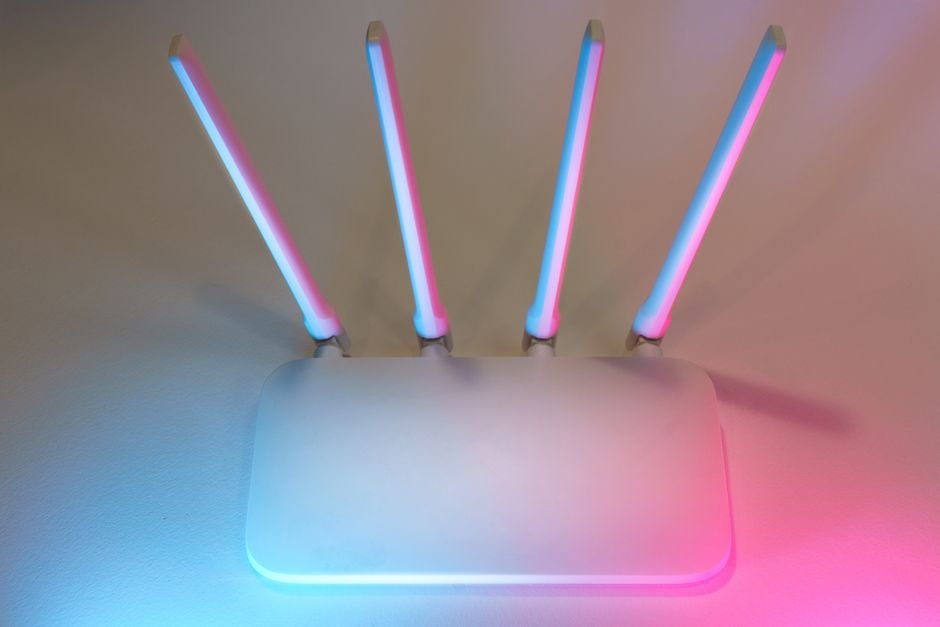
This part trips a lot of people up: owning a border-router-capable device isn’t the same as it currently acting as one. If it’s been unplugged, replaced, or removed from the Home app’s room assignment, it stops doing the job silently — no warning banner, no notification.
How to Fix a Matter Device That Won’t Pair
Confirm a border router is actually active
Open the Apple Home, Google Home, or Alexa app and check the hub or device list for an online, active border router from the table above. If nothing shows as active, that’s the entire problem — skip straight to setting one up before touching the accessory again.
Update firmware on the hub first
Outdated firmware on the border router itself causes a large share of “found device, can’t add it” failures. Update the hub through its own app before retrying the accessory — not the other way around.
Check for competing Thread networks
If you have an Eero, Nest Wifi Pro, Aqara hub, and a HomePod all in the same home, you may be running multiple separate Thread networks that don’t talk to each other. Most ecosystems now support Thread network credential sharing between brands — look for a “Thread network” or “Border Router” settings screen and confirm they’re merged, not duplicated.
Reset and re-add the accessory from scratch
Don’t try to resume a stuck setup screen. Fully remove the accessory from the app, factory-reset it using its physical button sequence, and start commissioning again once you’ve confirmed step one and two above.
Move the accessory closer for the first pairing only
Thread mesh range improves once a device joins and starts relaying for others nearby, but the very first commissioning handshake needs to happen within a few feet of an active border router. You can relocate the accessory to its permanent spot immediately after.
Does Apple’s N1 Chip Actually Change What You Need to Buy?
Not yet, despite how it’s being marketed. The N1 chip gives Apple’s newest phones, tablets, and laptops the radio hardware for Thread, but hardware support and an enabled home-hub role are two different things. I found that Apple’s own home hub support page still names exactly three product types — HomePod, HomePod mini, and the Ethernet Apple TV 4K — as devices that take on that role, and an iPhone or MacBook isn’t among them as of this writing.
That could change with a future software update, since the hardware is already there. Right now, buying an iPhone 18 Pro specifically to fix a Thread pairing problem won’t help. What the N1 rollout does signal is that Apple is standardizing Thread radios across its lineup, which likely points toward more devices being eligible for the border-router role later — worth watching, not worth buying ahead of.
What Else Should You Check Before Calling Support?
- ✅ Check which device is your active border router before assuming a new accessory is defective.
- ✅ Update the border router’s firmware before the accessory’s.
- ✅ Keep the accessory within a few feet of the border router for the first pairing attempt only.
- ✅ If you run more than one smart home brand, confirm their Thread networks are merged, not duplicate.
Mistakes That Make This Worse
⚠️ Don’t return or exchange a Matter accessory before confirming an active border router exists — this is the single most common false “defective unit” report.
⚠️ Avoid running two separate hub ecosystems (say, Apple Home and Google Home) as border routers for the same physical space without merging their Thread credentials first — it causes accessories to intermittently drop and reappear.
⚠️ Don’t factory-reset the accessory more than twice in a row without checking the border router’s status — repeated resets on a battery accessory drain it fast and won’t fix a missing-router problem.
FAQ
Does every new iPhone now work as a Thread border router?
No. The N1 chip adds Thread radio hardware to the iPhone 18 Pro lineup, but Apple has not enabled a home-hub or border-router role on any iPhone. Only HomePod, HomePod mini, and the Ethernet Apple TV 4K currently do that job in Apple’s ecosystem.
Can I run Thread border routers from different brands in the same home?
Yes. Most current ecosystems support Thread credential sharing, so an Apple, Google, and Amazon border router can coexist and even relay for each other’s accessories, as long as their Thread networks have been merged rather than left as separate, competing meshes.
Will a firmware update alone fix a stuck Matter pairing?
Often, yes, if the border router’s firmware was out of date. If the router is current and the accessory still won’t pair, the remaining causes are usually network isolation settings or a genuinely offline hub, not the accessory itself.
Sources
- Apple Support: If you see a “Thread Border Router Required” alert
- Apple Support: Set up your HomePod, HomePod mini, or Apple TV as a home hub
- Apple: iPhone 18 Pro Technical Specifications (N1 chip)
Fact-checked based on public sources as of September 17, 2026. Menu labels and app screens vary by ecosystem and firmware version — confirm against your own device before changing settings.
Related reading: for how the three major ecosystems actually compare on Matter support, see Apple Home vs Google Home vs Alexa: Which Actually Works Best With Matter Devices in 2026? and Home Assistant 2026.9 Says “Could Not Load Home Assistant”? Here’s the Actual Fix.
🔗 Related guides
Written by Alex Kim — Editor, Home Tech Lab.