Can You Install a Smart Lock in a Rental?
If you want to install a smart lock in a rental, the hardware is almost never the problem. The lease is. Renters get stuck on three things: a vague alterations clause, the fact that the landlord holds a key that has to keep working, and the fear that a screwdriver now means a smaller deposit later.
All three are solvable. None of them are solved by picking a different brand.
This guide walks through what property managers actually push back on, which install methods leave a door genuinely untouched, and the move-out routine that gets your deposit back intact. The product comparison is still here — it just sits where it belongs, as evidence for which method causes damage and which doesn’t.
In This Guide
- Where Renters Actually Get Stuck
- What the “Alterations” Clause Usually Means
- Which Install Methods Damage a Door (and Which Don’t)
- How to Ask Your Landlord
- Putting the Door Back at Move-Out
- Renter Checklist
- Sources
- FAQ
Where Renters Actually Get Stuck
1. The lease says “no alterations” and nothing else. Standard residential leases were written long before battery-powered deadbolts existed. So the clause covers door hardware in a general way without ever addressing whether a reversible bracket counts. Property managers read that gap differently from each other. That’s why a written answer matters more than a confident blog post.
2. Somebody else needs a working key. Landlords, building maintenance, and in some buildings a fire department lockbox all rely on the original cylinder. Kill that cylinder and you’ve created a problem that has nothing to do with your deposit. This is the single most common reason a request gets denied.
3. Move-out panic. The lock goes on in week one. The original deadbolt goes into a drawer. Eighteen months later nobody can find it, and now there’s a real charge on the final statement.
That third one is entirely preventable and it’s the one that costs renters money.
What the “Alterations” Clause Usually Means
Lease law varies by state, by city, and sometimes by building association rules layered on top. Nothing here is legal advice, and a clause that’s unenforceable in one place is routine in another. Read your own lease, then confirm in writing with whoever manages the property.
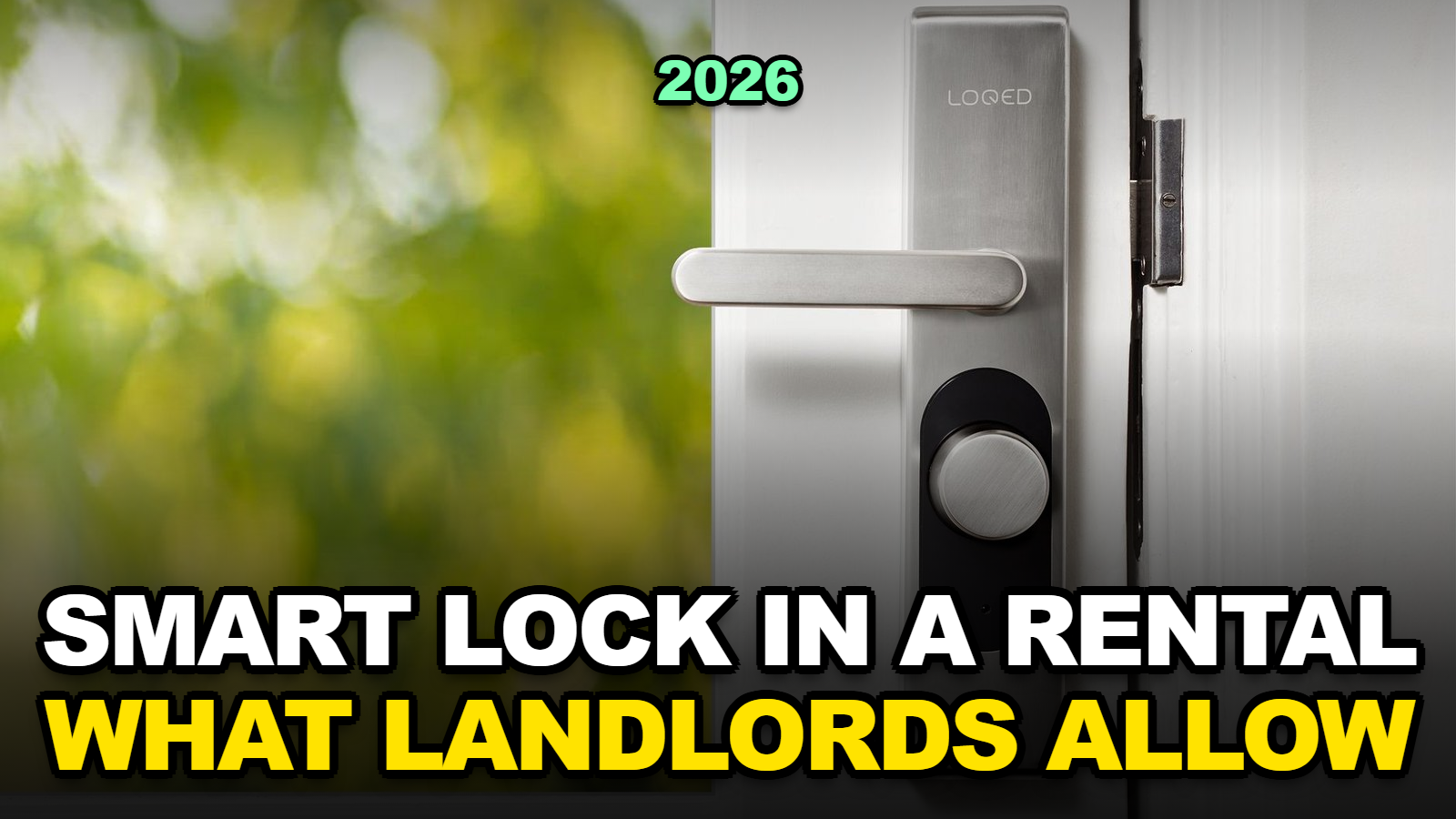
Here’s what the clause is aimed at in practice. Permanent changes. New holes. Anything the next tenant would inherit. A device you can unclip in four minutes and carry to your next apartment sits well outside that intent, which is why retrofit-style locks rarely generate an argument.
Two situations do get flagged fairly consistently:
- Shared or common entry doors. Lobby doors, gates, and stairwell doors are usually off-limits for individual tenants. Ask before you assume the rule stops at your unit.
- Replacing the cylinder itself. Some leases spell out that the landlord must hold a working key at all times. A deadbolt swap conflicts with that directly unless you hand over a code or a spare.
Buildings with their own fire or egress requirements can add another layer. Your building manager will know; a manufacturer FAQ won’t.
Which Install Methods Damage a Door (and Which Don’t)
Forget brand rankings for a second. What determines whether you need permission is the method, not the logo.
| Install method | What changes on the door | New holes drilled? | Landlord’s key still works? | Written approval usually needed? | Move-out reversal |
|---|---|---|---|---|---|
| Interior retrofit (motor over existing thumb-turn) | Interior side only; exterior identical | None — reuses the deadbolt’s own screws | Yes | Often just a courtesy notice | Unclip the bracket. Minutes. |
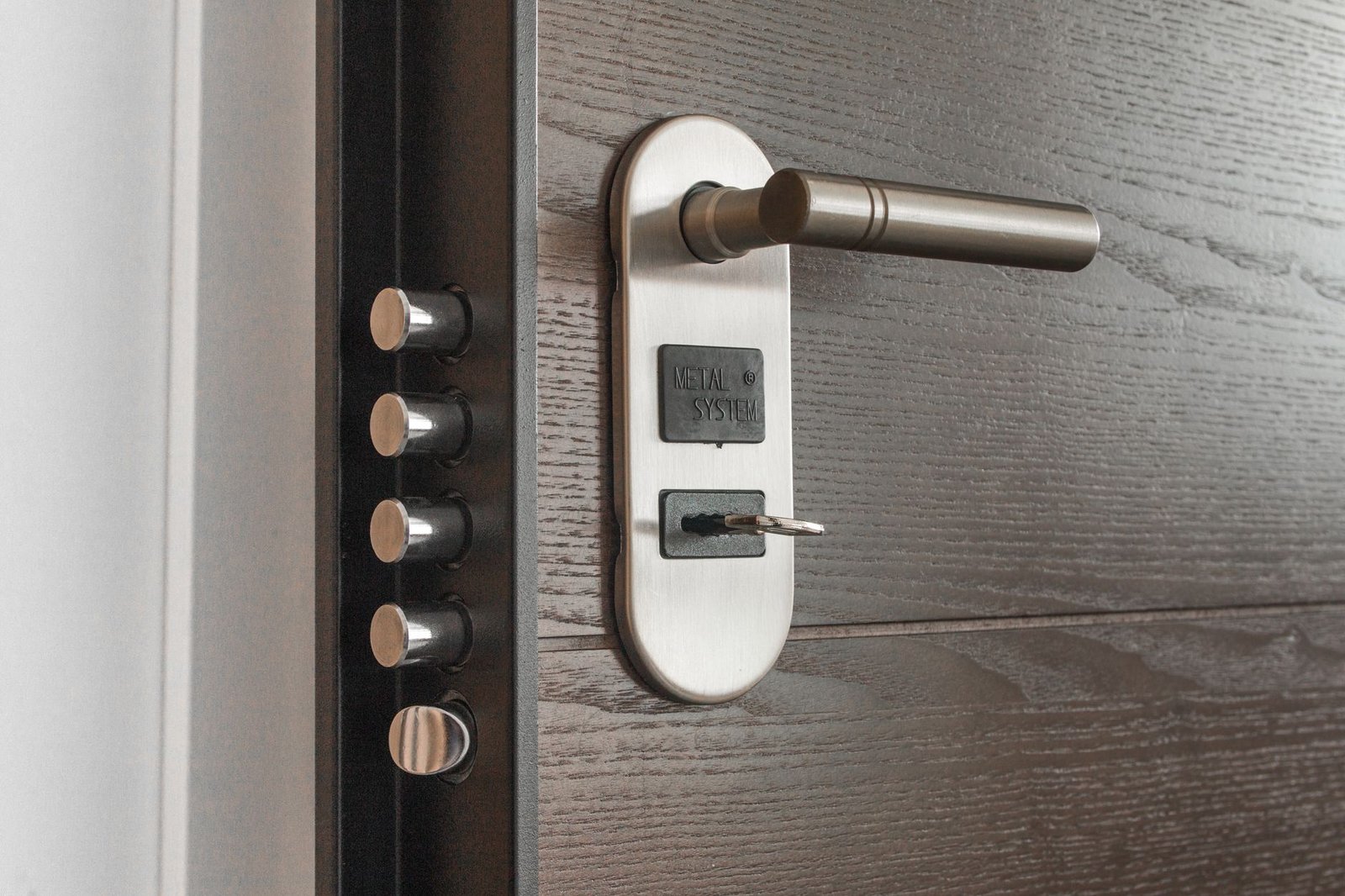
| Full deadbolt swap | Entire lock body and cylinder replaced | None — reuses the existing cutout and backset | No, unless you keep the old cylinder | Yes — get it in writing | Reinstall the original deadbolt, 20–30 min |
| Adhesive keypad or frame sensor (accessory) | A pad stuck to the frame or wall | None | Unaffected | Usually fine with non-marking tape | Peel off. Check for residue on paint. |
| Anything needing a new cutout or repositioned strike | Fresh holes in the door or frame | Yes | Varies | Written permission, and expect a no | Requires filling and touch-up paint |
Reading through the published install guides for four locks renters commonly buy, the split lands cleanly along that method line. The August Wi-Fi Smart Lock and SwitchBot Lock Pro are retrofits. The Wyze Lock Bolt v2 and Yale Assure Lock 2 are swaps. Same table as before, re-sorted by what a landlord would care about:
| Lock | Method | Exterior of door changes? | Original key survives? | Reversal difficulty | Price (approx.) |
|---|---|---|---|---|---|
| August Wi-Fi Smart Lock (4th Gen) | Retrofit | No, nothing visible | Yes | Easiest — under 10 min | ~$230 |
| SwitchBot Lock Pro | Retrofit + adhesive frame sensor | No; small sensor sits on the frame | Yes | Easy; peel the sensor carefully | ~$140 |
| Wyze Lock Bolt v2 | Deadbolt swap | Yes — new keypad face | Only if you store the old cylinder | Moderate — about 20 min to restore | ~$80 |
| Yale Assure Lock 2 | Deadbolt swap | Yes — new exterior unit | Only if you store the old cylinder | Moderate — 20–30 min to restore | ~$200–280 |
Prices move with sales. Treat them as ballpark and check the live listing.
One detail worth flagging from the install docs: retrofit locks depend on your deadbolt having a standard interior thumb-turn and a compatible tailpiece. Oval-cylinder and some European-profile locks fall outside that, and no adapter in the box will fix it. Measure before you order.
How to Ask Your Landlord
Asking badly gets a reflexive no. “Can I change the lock?” sounds like you’re locking them out of their own property. Lead with what stays the same instead.
A two-line email is enough, and it gives you the paper trail:
Hi [name] — I’d like to add a battery-powered smart lock to the interior side of the unit door at [address]. It mounts over the existing deadbolt with the deadbolt’s own screws. No drilling, and your key and the exterior of the door are unchanged. I’ll remove it at move-out and restore the original hardware. Can you confirm that’s okay?
If you’re set on a deadbolt swap, add one sentence offering them a permanent access code plus the original cylinder returned at move-out. That single sentence resolves most objections.
Take photos of the original hardware before anything comes off. Wide shot, then close-up on the screws. Date-stamped photos have settled more deposit disputes than any lease clause.
One more thing that gets skipped entirely: a Wi-Fi lock is only as safe as the router it talks to. The FTC’s guidance on securing internet-connected devices at home covers the basics worth doing the same day you pair the lock. The router-and-traffic habits in our guide to VPNs for digital nomads transfer directly to an apartment full of connected devices.
Putting the Door Back at Move-Out
Budget half an hour. Do it before the walkthrough, not during it.
- Pull your codes and access first. Delete guest codes and unlink the lock from your account while it’s still on the door. Recovering a lock you already reset is tedious.
- Retrofit removal: unscrew the mounting plate, lift the unit off, reinstall the original interior thumb-turn cover. The exterior was never touched, so there’s nothing to check out there.
- Deadbolt swap removal: take out the smart unit, then reinstall the original deadbolt using the same two through-bolts. Test the landlord’s key twice — once locked from inside, once from the hallway.
- Adhesive parts: warm the tape with a hairdryer on low before peeling. Cold adhesive lifts paint.
- Photograph the restored door and email the photos to your landlord the same day. That email is your record.
Keep the original hardware in a labeled zip bag taped inside a kitchen cabinet, not loose in a drawer. Sounds fussy. It’s the difference between a clean checkout and a $150 line item.
Renter Checklist
- ✅ Read the alterations clause in your actual lease before shopping.
- ✅ Confirm the door has a standard single-cylinder deadbolt with an interior thumb-turn.
- ✅ Send the permission email even for a fully reversible retrofit.
- ✅ Photograph the original hardware, then bag and label it.
- ✅ Offer the landlord a permanent access code if you’re swapping the deadbolt.
- ✅ Check hub and Wi-Fi requirements — some models need a separate bridge.
- ✅ Secure the router the same day you pair the lock.
Sources
- FTC – Securing Your Internet-Connected Devices at Home
- August Home – August Wi-Fi Smart Lock
- SwitchBot – Lock Pro
- Wyze – Lock Bolt v2
- Yale Home – Assure Lock 2
FAQ
Can my landlord make me remove a smart lock after it’s installed? If the lease restricts alterations and you never got approval, yes, they can generally ask for restoration. Rules differ by location. The written approval is what keeps this from becoming a dispute.
Will installing one cost me my security deposit? Not on its own. Deposits get charged for damage and for hardware that didn’t come back. A reversible retrofit leaves neither behind.
What if my landlord says no? Ask which part concerns them. If it’s the key, a retrofit answers it. If it’s the exterior appearance, a retrofit answers that too. A flat no to an interior-only device is uncommon once the mechanism is explained.
What about the building’s main entrance door? Off-limits in most buildings. That’s a decision for the owner or the association, not an individual tenant.
Do these locks need Wi-Fi? No. All four work over Bluetooth for phone control at the door. Wi-Fi, built in or via a bridge, is only for remote access when you’re away.
Is Matter support worth waiting for? Matter lets a lock work across Alexa, Google Home, and Apple Home without a proprietary bridge. Comparing the current spec sheets, it reads more as future-proofing than a feature you’d miss on day one. Our walkthrough on setting up a Matter-compatible device covers pairing if you go that way.
Next step: open your lease, search it for the word “alterations,” and send the permission email today. Order the hardware after the reply lands, not before.
General information only, not legal advice — lease terms and local rules vary, so confirm with your landlord or property manager. Fact-checked against public sources as of July 29, 2026. Prices and Matter compatibility change frequently.