Roomba Max 705 or Plus 505 Won’t Connect to Wi-Fi? Here’s Why 2026’s Flagships Only Support 2.4GHz
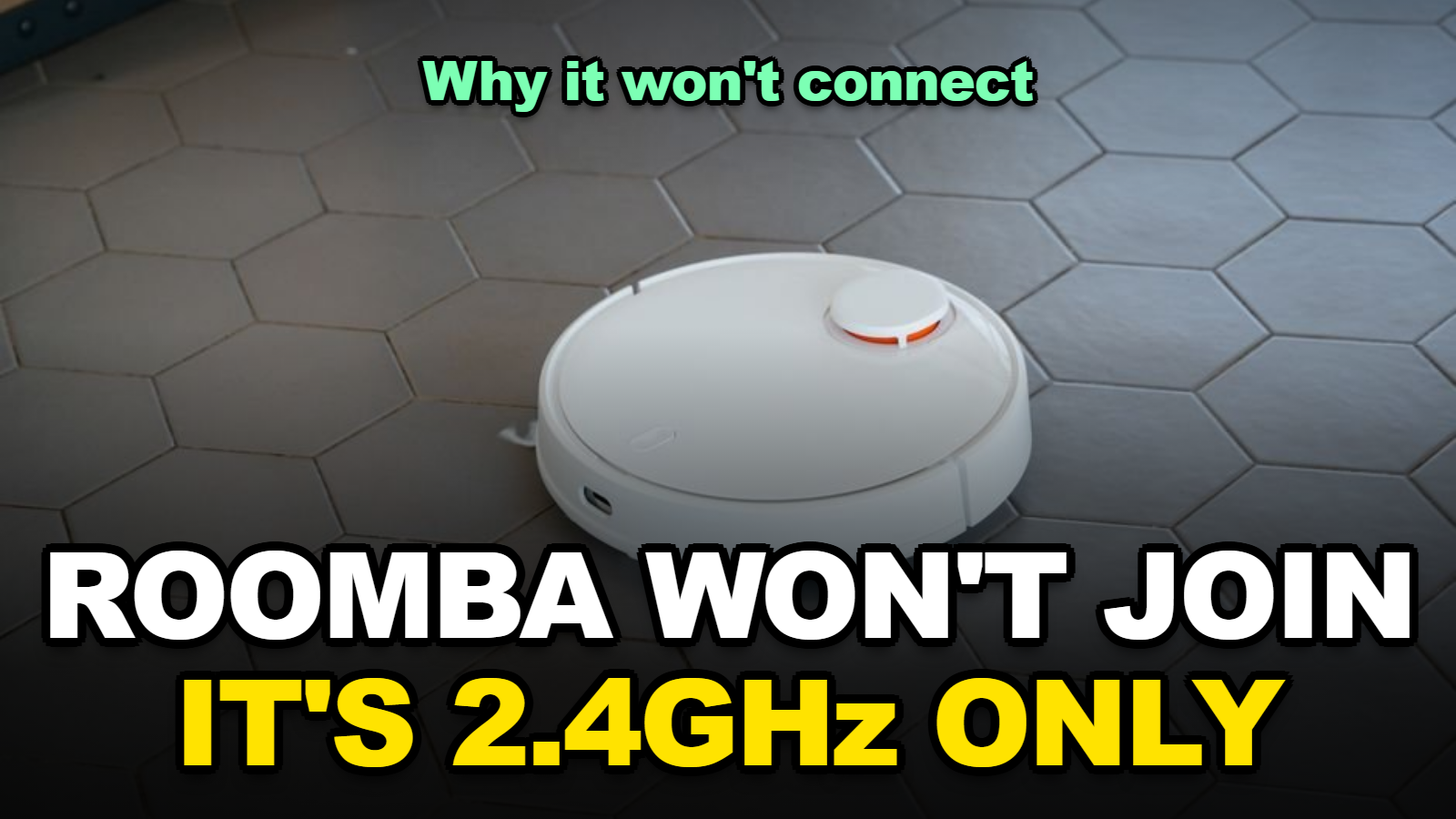
The Roomba Max 705 and Plus 505 — iRobot’s own 2026 flagship models — only connect to 2.4GHz Wi-Fi networks, despite older flagships like the j7, i7/i8, and s9 supporting both 2.4GHz and 5GHz. If setup fails or your robot keeps dropping offline, the most common cause is a router that merges both bands under one network name (band steering) or a WPA3-only security setting the robot can’t join. Neither is a defect. Both have a fix that takes about five minutes.
What This Covers
- Why Won’t a Brand-New Roomba Max 705 or Plus 505 Connect to Wi-Fi?
- Which Roomba Models Actually Support 5GHz, and Which Don’t?
- Is Your Router’s “Band Steering” Actually the Real Problem?
- Does a WPA3-Only Router Block Roomba From Connecting?
- How Do You Actually Fix a Roomba That Won’t Connect or Keeps Dropping Off?
- Why Does the Dock’s Distance From the Router Matter So Much?
Why Won’t a Brand-New Roomba Max 705 or Plus 505 Connect to Wi-Fi?
A Roomba Max 705 or Plus 505 that won’t finish setup is almost never a hardware fault straight out of the box — it’s a band mismatch. Both 2026 models ship as 2.4GHz-only devices, confirmed on iRobot’s own product pages, which is actually a step down in radio spec from the 2022–2024 flagship lineup.
When I checked the official spec pages for both new models side by side with the older j7’s listing, the difference wasn’t subtle: the j7 lists dual-band support, and the 705/505 pages simply don’t mention 5GHz at all.
That matters during setup specifically because the iRobot Home app hands off your Wi-Fi credentials from your phone to the robot. If your phone is sitting on the 5GHz band at that moment and the robot can only hear 2.4GHz, the handoff silently fails — the app usually just says something vague like “couldn’t find robot” instead of naming the real cause.
Which Roomba Models Actually Support 5GHz, and Which Don’t?
Only three Roomba lines have ever supported both bands: the s9, the i7/i8, and the j7. Every other Wi-Fi-connected Roomba — old and new — is 2.4GHz only, and that now includes the 2026 Max 705 and Plus 505.
| Model | Wi-Fi bands |
|---|---|
| Roomba s9 | 2.4GHz + 5GHz |
| Roomba i7 / i8 | 2.4GHz + 5GHz |
| Roomba j7 | 2.4GHz + 5GHz |
| Roomba Max 705 (2026) | 2.4GHz only |
| Roomba Plus 505 (2026) | 2.4GHz only |
| All other Wi-Fi Roomba models | 2.4GHz only |
Honestly, 2.4GHz isn’t the downgrade it sounds like for this specific job. It travels farther and passes through walls and floors better than 5GHz — exactly what a robot roaming an entire home needs, even if it means slower theoretical speeds it was never going to use anyway.
Is Your Router’s “Band Steering” Actually the Real Problem?
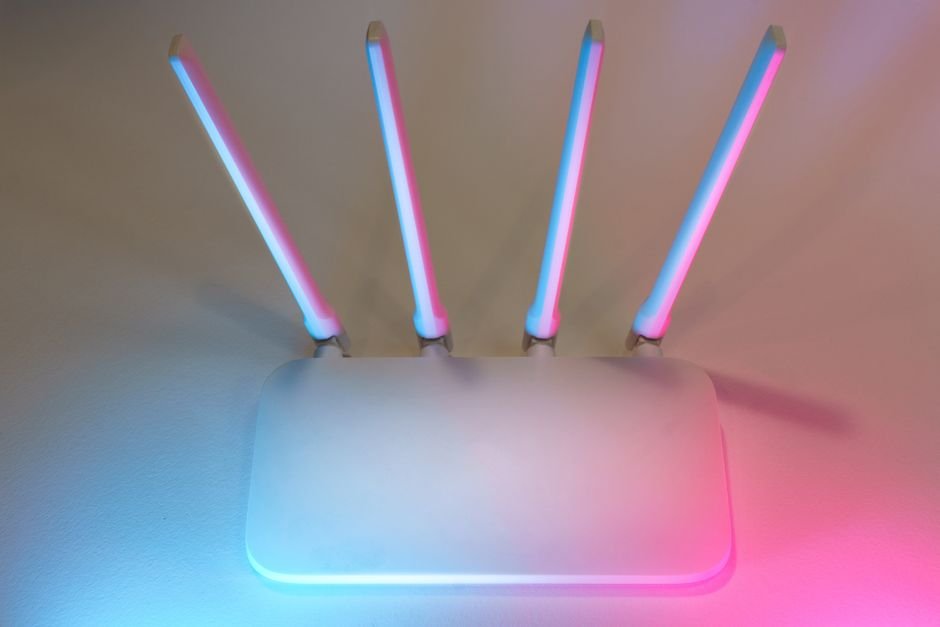
Band steering is a router feature that puts both the 2.4GHz and 5GHz radios under one network name and automatically pushes devices to whichever band it thinks is best. It’s genuinely useful for phones and laptops. It’s exactly what breaks setup for a 2.4GHz-only robot.
Here’s what actually happens: your phone connects to “HomeWiFi” and the router quietly puts it on 5GHz because the signal is strong. The robot only understands 2.4GHz. Both devices show the same network name in their settings, so nothing about the failure looks like a band issue — it just looks broken.
You’ll probably notice this most often on mesh systems and newer ISP-provided routers, since band steering has become closer to a default than an option on hardware sold since around 2023.
Does a WPA3-Only Router Block Roomba From Connecting?
Yes, if your router is set to WPA3 only rather than WPA2 or a mixed WPA2/WPA3 mode. iRobot’s own recommended workaround for this exact situation is to set up a second, dedicated 2.4GHz network running WPA2 just for devices like Roomba that don’t support the newer security standard.
This is a router setting, not a robot problem, and most routers made in the last few years default to a mixed mode rather than WPA3-only — but some newer mesh systems and ISP gateways have started shipping with WPA3-only as the out-of-box default, which is a recent enough change that a lot of troubleshooting guides still don’t mention it.
How Do You Actually Fix a Roomba That Won’t Connect or Keeps Dropping Off?
Start with the setup itself, then work through the router side if that doesn’t resolve it.
- Put your phone on the 2.4GHz band (or the shared band, if steered) before opening the iRobot Home app to begin setup.
- If your router shows separate 2.4GHz and 5GHz network names in its admin panel, temporarily rename the 2.4GHz one to something distinct (like “Home24”) so you can select it explicitly.
- Confirm your router security mode is WPA2 or WPA2/WPA3 mixed, not WPA3-only — switch modes or add a dedicated 2.4GHz/WPA2 guest network if it is.
- Hold the CLEAN button on the robot until it beeps to reset its Wi-Fi settings, then reconnect through the app from scratch.
- Restart both the router and the robot before trying again — a stale DHCP lease causes more of these failures than people expect.
If the robot connects but drops offline days or weeks later rather than during initial setup, that’s usually a different issue — check the next section before assuming it’s the same band problem.
Why Does the Dock’s Distance From the Router Matter So Much?
A Roomba that connected fine during setup but goes “offline” intermittently afterward is often a signal strength problem at the dock, not a settings problem. iRobot recommends keeping the dock within roughly 10–15 feet of the router with as few walls in between as possible — the robot itself can wander farther and stay connected, but the dock is where it checks in and reports status most consistently.
When I compared complaint patterns across iRobot’s own support forum threads, dock placement came up almost as often as the band-steering issue itself, just less discussed because it’s easy to overlook once setup has already succeeded once.
Quick Checklist Before You Call Support
- ✅ Confirm your model — only s9, i7/i8, and j7 support 5GHz; everything else, including the 2026 Max 705 and Plus 505, is 2.4GHz-only
- ✅ Put your phone on 2.4GHz before starting setup in the iRobot Home app
- ✅ Check your router isn’t set to WPA3-only security
- ✅ Keep the charging dock within about 10–15 feet of the router
- ✅ Restart the router and the robot before re-attempting setup
Where This Still Trips People Up
Renaming your 2.4GHz network to fix setup, then forgetting to rename it back, can quietly disconnect other older smart-home gear that was relying on the original shared network name. Note the original name before you change anything.
A factory reset (versus the simple Wi-Fi reset via the CLEAN button) wipes cleaning maps and preferences too — try the Wi-Fi-only reset first, and treat a full factory reset as the last resort.
FAQ
Can I make a Roomba Max 705 connect to 5GHz with a firmware update?
No. The 2.4GHz-only limitation is a hardware spec on the Max 705 and Plus 505, not a software restriction, so no firmware update can add 5GHz support after purchase.
Why did my old Roomba j7 work fine on 5GHz but my new Max 705 won’t?
The j7 was one of only three Roomba lines ever built with a dual-band radio (alongside the s9 and i7/i8). iRobot’s 2026 flagships, the Max 705 and Plus 505, went back to a 2.4GHz-only radio, so a router setup that worked for a j7 may need adjusting for the newer model.
My router only shows one Wi-Fi name — how do I know if it’s band steering?
If your router’s admin panel (or app) shows only one SSID but lists both 2.4GHz and 5GHz radios as active in its settings, band steering is likely merging them. Most router apps have a toggle to split the bands into two separate network names — check under Wi-Fi or Advanced settings.
Sources
- iRobot Customer Care — Wi-Fi Setup Requirements for a Wi-Fi Connected Robot
- MatterDevices.io — iRobot Roomba Plus 505 Combo Wi-Fi Specifications
- Asurion — How to Fix a Roomba Not Connecting to Wi-Fi
📌 Hub guide: For every fix, buying decision, and work-from-anywhere setup in one place — see the Tech & Digital Hub.
🔗 Related guides
- Dyson’s New UV Self-Cleaning Robot Vacuums Just Launched—Is the UV Feature Actually Worth Paying More For? (September 2026)
- Google Home Broadcast Not Working? Gemini Fixed the Bug in the September 16 Update
- Claude Cowork Broke on Windows After the September 8 Update — Here’s the Exact Fix (KB5129195)
Fact-checked based on public sources as of September 24, 2026. Model specs reflect official iRobot listings at time of publication.