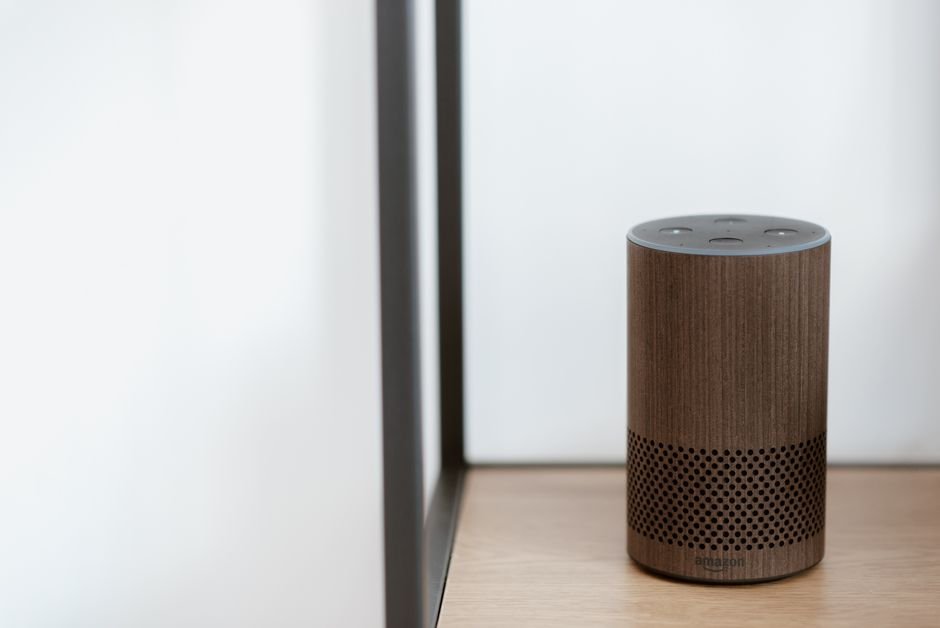
Google Home Broadcast Not Working? Gemini Fixed the Bug in the September 16 Update
If saying ‘time for dinner’ made Gemini reply back to you instead of broadcasting to your speakers, that was a real bug, not a setup mistake. Google confirmed Gemini was treating broadcast commands as conversation instead of relaying them across your home. According to Google’s own Home Help changelog, the September 16, 2026 update — Google Home app version 4.16 — fixed the broadcast errors along with several other Gemini reliability issues. Update your Google Home app first; if broadcast is still broken after that, the checks below cover the rest.
What This Page Covers
- What Was Actually Happening to Broadcast?
- Why Did Gemini Break a Feature That Used to Just Work?
- How Do You Know You’re Hitting This Bug?
- Before vs After: What the September 16 Update Changed
- How Do You Actually Fix It?
What Was Actually Happening to Broadcast?
Instead of playing your message across every speaker in the house, Gemini answered you directly, like it was having a conversation. Say ‘it’s time to go’ and Gemini might respond with something like ‘oh, ok, let’s cancel that for now, then’ — and nobody else in the house ever heard a thing.
When I checked the Gemini Apps Community thread where this was first reported, dozens of households described the identical failure — broadcast requests that used to reach every room instead got swallowed into a one-on-one reply.
Google didn’t dispute it. The company’s own statement on the thread was that it was ‘actively working on a fix’ and would follow up once a rollout started.
That’s a strange thing for a smart speaker to get wrong. Broadcast is one of the oldest, simplest features Google Home has — arguably simpler than timers or reminders.
Why Did Gemini Break a Feature That Used to Just Work?
The old Google Assistant handled broadcast through basic pattern matching: it heard the word ‘broadcast’ or a close variant, and just pushed the audio to every connected speaker. No interpretation involved.
Gemini works differently. It’s a language model, not a fixed command parser, so it reads your sentence for intent instead of matching a keyword. Somewhere in that shift, a plain broadcast instruction started getting read as an invitation to chat back — the model treated ‘time for dinner’ as something to respond to, not something to relay.
This is a pattern worth watching generally: every time Google replaces a simple rule-based assistant feature with a model-driven one, there’s a real chance the model second-guesses a command a strict parser would have handled correctly every time.
How Do You Know You’re Hitting This Bug?
You’re dealing with this specific issue if a broadcast command gets a spoken reply back from Gemini instead of playing across your other speakers, and it happens consistently, not just once.
Check your Google Home app version first: Google Home app → your profile icon → About → App version. If you’re below version 4.16, you’re on a build that predates the September 16, 2026 fix.
One more thing worth ruling out: this is different from broadcast simply not reaching one specific speaker. If only a single device misses broadcasts while everything else works, that’s usually a Wi-Fi or grouping problem, not the Gemini bug — the same way Google Home controlling the wrong house’s lights turned out to be a location-linking issue, not a broadcast bug at all.
Before vs After: What the September 16 Update Changed
According to Google’s Home Help changelog, several Gemini-related reliability issues shipped in the same release as the broadcast fix — not just the one bug that made headlines.
| Behavior | Before v4.16 | After v4.16 (Sept 16, 2026) |
|---|---|---|
| Broadcast command | Gemini replies conversationally instead of relaying | Broadcasts reliably across the home |
| Streaming provider launch | Intermittent failures on smart displays | Launches reliably |
| Live Mode | Some devices self-interrupt mid-conversation | Fewer interruptions |
| Personal playlists | Gemini sometimes can’t find them | Improved playlist recognition |
When I compared the changelog wording against the original bug reports, every symptom users described lined up with an item Google listed as fixed — this wasn’t a vague ‘general improvements’ update.
How Do You Actually Fix It?
Open the Google Home app and update it from your phone’s app store if an update is available — this is an app-level fix, not a speaker firmware update, so updating one device’s app is what matters, not power-cycling your speakers.
Confirm the version afterward: profile icon → About → App version should read 4.16 or higher.
Test with a plain, short broadcast phrase first, like ‘broadcast dinner is ready,’ rather than a casual sentence like ‘time for dinner’ — the explicit word ‘broadcast’ gives Gemini less room to misread the intent, even after the fix.
If broadcast still fails after updating, force-stop the Google Home app and reopen it once, since a stuck background process can hold onto the old broadcast-handling code until it’s restarted.
What If You’d Rather Avoid Gemini Entirely?
There’s no official, permanent way to revert a home fully back to the classic Google Assistant once Gemini for Home has been enabled on it — Google doesn’t document a rollback path for speakers and displays that have already switched.
Switching your phone’s own assistant back to Google Assistant, under Settings → Apps → Digital assistants from Google, only affects your phone. It won’t change how your speakers behave, so don’t expect that toggle to fix broadcast on its own.
Creating a brand-new Home and manually moving unaffected devices into it is the only workaround some users have had success with, and it’s unofficial — treat it as a last resort, not a supported setting.
Checklist Before You Try Broadcasting Again
- ✅ Check Google Home app version is 4.16 or higher (profile icon → About)
- ✅ Update from your phone’s app store, not just the speaker
- ✅ Use the explicit word ‘broadcast’ in your test phrase
- ✅ Force-stop and reopen the app once if it still fails right after updating
- ✅ Rule out a single-speaker Wi-Fi issue before assuming it’s the Gemini bug again
FAQ
Does this bug affect Google Assistant, or only Gemini for Home?
Only households running Gemini for Home saw broadcast get swallowed into a conversational reply. The classic Google Assistant’s rule-based broadcast handling was never affected, since it never reads intent the way Gemini does.
Do I need to update every speaker, or just the app?
Just the Google Home app on your phone. Broadcast logic runs through Gemini’s cloud-side processing, triggered by the app, so updating the app to version 4.16 or later is what applies the fix — there’s no separate speaker firmware step.
Why did Gemini respond to my broadcast command instead of relaying it?
Gemini reads full sentences for intent instead of matching a fixed keyword the way the old Assistant did, and prior to the fix it sometimes treated an ordinary sentence as something to reply to rather than a command to pass along to other speakers.
Sources
- Google Home Help — What’s New in Google Home (September 2026 changelog)
- Gemini Apps Community — Gemini Has Broken Broadcast on Google Home
- Gemini Apps Help — Broadcast Messages in Your Home