New Fire TV Stick 4K (2026) Runs Vega OS and Drops Dolby Vision: Buy It at $29.99 or Get the 4K Max?
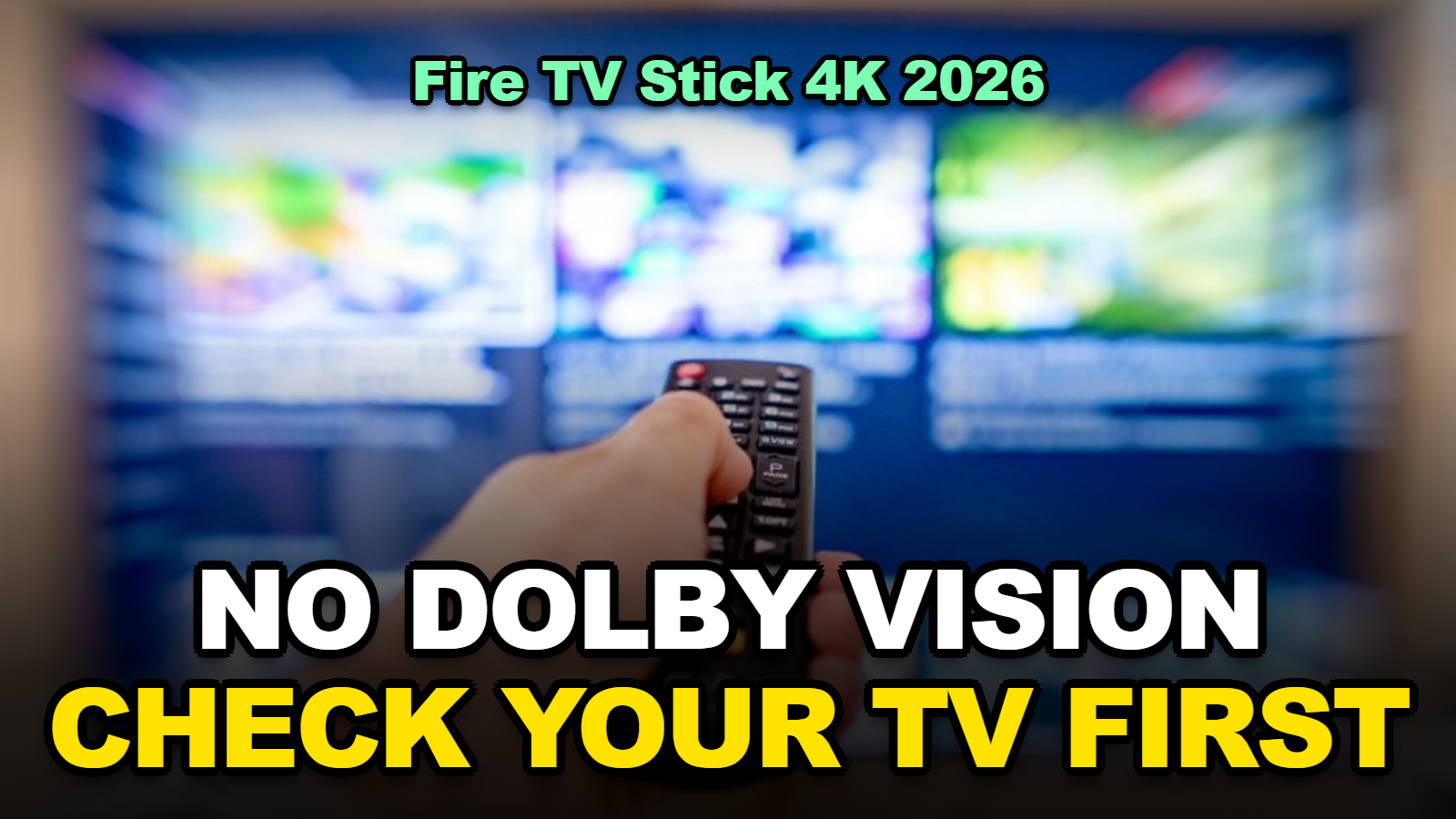
Short answer: Amazon’s new Fire TV Stick 4K (2026) is $59.99, or $29.99 during Prime Big Deal Days (aboutamazon.com). It runs Vega OS, not Android-based Fire OS. It also drops Dolby Vision. If your TV relies on Dolby Vision, buy the Fire TV Stick 4K Max instead. Do the same if you sideload Android apps. For a basic streaming upgrade on an HDR10+ TV, the new stick at $29.99 is the better deal.
The cheapest new Fire TV stick of the year has a catch that isn’t on the box: it isn’t an Android device anymore.
Amazon launched the third-generation Fire TV Stick 4K on October 1, 2026. It’s slimmer, faster, can draw power from your TV’s USB port, and drops to half price for Prime Big Deal Days on October 6 and 7. It also runs Amazon’s own Vega OS. That one change decides which apps you can use, how your picture looks on some TVs, and when you get the new Alexa+ features.
Here’s how to tell, in about two minutes, whether the $29.99 stick or the 4K Max belongs in your cart.
Contents
- What Changed on the 2026 Fire TV Stick 4K?
- Does the New Fire TV Stick 4K Support Dolby Vision?
- Will Your Apps Work on Vega OS?
- When Do the New Alexa+ Features Reach Each Fire TV?
- Can You Really Skip the Wall Adapter?
- The Two-Minute Decision
- Tips
- Warnings
- FAQ
- Sources
What Changed on the 2026 Fire TV Stick 4K?
The 2026 Fire TV Stick 4K, launched October 1 at $59.99, runs Amazon’s Vega OS instead of Android-based Fire OS, supports Wi-Fi 6 and Direct Power from a TV’s USB port, and handles HDR10, HDR10+, and HLG but not Dolby Vision, according to Amazon’s launch announcement.
Amazon pitches it as faster and smaller. GSMArena’s coverage of the launch quotes Amazon’s claim of “20%-40% faster than similarly priced 4K sticks.” The hardware is a quad-core 1.7 GHz chip with 8 GB of storage.
| Feature | Fire TV Stick 4K (2026) | Fire TV Stick 4K Max (2nd gen, 2023) |
|---|---|---|
| Operating system | Vega OS 2.0 | Fire OS (Android-based) |
| Dolby Vision | No | Yes |
| Other HDR | HDR10, HDR10+, HLG | HDR10, HDR10+, HLG |
| Dolby Atmos | Not listed by Amazon | Yes |
| Storage | 8 GB | More (Amazon’s “more storage” tier) |
| Power | Wall adapter or TV USB (Direct Power) | Wall adapter |
| New Alexa+ hub features | Early 2027 | November 2026 (US) |
| Sideloading Android APKs | Not an Android device | Possible (Fire OS) |
Table: compiled from Amazon’s October 2026 Fire TV Stick 4K and Alexa+ on Fire TV announcements, plus The Gadgeteer’s and GSMArena’s launch coverage, checked October 5, 2026. Amazon describes the 4K Max as the tier with “more storage” and “Dolby Vision, Dolby Atmos.”
When I compared Amazon’s own lineup descriptions, I noticed that Dolby Vision and Atmos are now framed as 4K Max features. That’s deliberate product tiering, not an oversight.
Does the New Fire TV Stick 4K Support Dolby Vision?
No: the 2026 Fire TV Stick 4K supports HDR10, HDR10+, and HLG but not Dolby Vision, while the previous 2023 Fire TV Stick 4K and the current Fire TV Stick 4K Max both support Dolby Vision, as The Gadgeteer noted at launch.
Whether that matters depends entirely on your TV.
- Your TV supports HDR10+ as well as Dolby Vision: many Samsung, Hisense, and TCL models do. You’ll still get dynamic HDR on shows mastered in both. Small loss.
- Your TV supports Dolby Vision but not HDR10+: some brands, LG most notably, have historically skipped HDR10+. Streaming apps would then fall back to basic HDR10 on the new stick. That’s a real downgrade on a good TV.
- Your TV has no Dolby Vision: nothing changes for you.
Here’s the five-second check. Search your TV’s model number plus “HDR10+” and “Dolby Vision,” or open the spec sheet on the maker’s site.
Most people skip this and blame the stick when Netflix looks flatter than it used to.
Will Your Apps Work on Vega OS?
Vega OS runs apps built for Amazon’s Vega platform, and Amazon says it has added over 2,000 apps since Vega’s release, including Netflix, Disney+, YouTube, Prime Video, Spotify, Xbox, VLC, and several VPNs, but it is not Android-based, so Android APKs sideloaded onto Fire OS sticks are a different category of app.
For most households that’s fine. The big streaming apps are there.
The gap shows up at the edges:
- Sideloaded apps: if you install anything with Downloader or from an APK file, that workflow is built around Android. Keep a Fire OS device for it.
- Niche regional or sports apps: smaller services may not have built a Vega version yet. Check before you buy.
- Older games and utilities: anything you installed years ago on a Fire OS stick won’t move over automatically.
When I checked the app list Amazon highlights in its announcement, I found that it leans heavily on big-name services. That’s reassuring for Netflix households and says little about the long tail. If one specific app is non-negotiable, search for it on a Vega device in a store, or ask the app’s support team, before the return window closes.
When Do the New Alexa+ Features Reach Each Fire TV?
Amazon’s new Alexa+ features for Fire TV, including conversational search and a dedicated Alexa+ hub, roll out in the US in November 2026 on the Fire TV Stick 4K Max (2nd gen), Fire TV Cube, Amazon Ember TVs, and partner TVs with Fire TV built in, with the new Fire TV Stick 4K and more countries following in early 2027, per Amazon’s Alexa+ on Fire TV announcement.
That’s an odd twist. The newest stick ships with Alexa+ built in, yet it gets the new hub and conversational search later than a three-year-old 4K Max.
Amazon says Alexa+ is included with Prime at no additional cost. If you’re not a Prime member, check what’s offered on your account before counting on it.
If Alexa+ already feels sluggish on your Echo, our guide to fixing slow Alexa+ responses covers the usual causes. Many of them carry over to Fire TV voice search.
Can You Really Skip the Wall Adapter?
The 2026 Fire TV Stick 4K’s Direct Power feature lets it run from a TV’s USB port using the included cable, but it only works on TVs whose USB port supplies enough power, so results vary by TV model.
It’s a genuinely nice fix for wall-mounted TVs, where an extra power brick behind the screen is a pain.
- Try the TV’s USB port first with the included cable.
- Watch for warning messages about insufficient power, or a stick that reboots during playback.
- Check whether the stick stays on when the TV is off. Many TVs cut USB power in standby, so the stick boots from cold each time. That adds a few seconds to every start.
- Switch to the wall adapter if you see any of the above.
Honestly, if your outlet is right there anyway, the wall adapter is the more reliable choice.
The Two-Minute Decision
For Prime Big Deal Days on October 6 and 7, 2026, the $29.99 Fire TV Stick 4K is the better buy for HDR10+ TVs and big-name streaming apps, and the Fire TV Stick 4K Max is the better buy for Dolby Vision TVs, sideloaders, Dolby Atmos sound systems, and anyone who wants the new Alexa+ features in November.
- Buy the new 4K stick if your TV supports HDR10+, you only use major apps, and the $29.99 deal price matters.
- Buy the 4K Max if your TV is Dolby Vision-only, you use a soundbar with Atmos, or you sideload anything.
- Keep what you have if you own a 4K Max from 2023. Amazon’s own rollout puts it first in line for Alexa+.
- Just want the new remote? The $14.99 Fire TV Remote ships in late October and pairs with Fire TV players back to 2019.
Comparing deals across stores before you buy? Our Prime Big Deal Days vs Walmart, Target, and Best Buy breakdown shows which October sale tends to win on streaming gear.
Tips
- Check your TV’s HDR formats before deal day, not after. It takes one search.
- Write down the apps you open weekly and confirm each has a Vega version.
- Keep your old Fire OS stick as a backup on a second TV if you rely on sideloaded apps.
- Use the wall adapter if your TV cuts USB power in standby and the slow start-up bothers you.
Warnings
- Don’t buy the new stick for a Dolby Vision-only TV expecting the same picture. It will fall back to a different HDR format.
- Android APK workflows built for Fire OS don’t carry over to Vega OS.
- Deal prices are for a limited window. Confirm the price in your cart, since the $29.99 offer is tied to Prime Big Deal Days.
- A weak TV USB port can cause random reboots. If playback cuts out, swap to the wall adapter before troubleshooting anything else.
FAQ
Is the new Fire TV Stick 4K better than the Fire TV Stick 4K Max?
Not overall. The 2026 Fire TV Stick 4K is newer and cheaper, but the 4K Max keeps Dolby Vision, Dolby Atmos, more storage, Fire OS app compatibility, and gets the new Alexa+ hub features first.
Can you sideload apps on the 2026 Fire TV Stick 4K?
Not the way you can on Fire OS. The 2026 stick runs Vega OS, which is not Android-based, so Android APKs installed through tools like Downloader are a Fire OS workflow.
Will the new Fire TV Remote work with my old Fire TV Stick?
Yes, if your device is from 2019 or later. Amazon says the $14.99 Fire TV Remote pairs with all Fire TV streaming media players launched from 2019 on and with Amazon Ember TVs.
Sources
- Amazon — Faster, slimmer Fire TV Stick 4K, new remote, and Vega 2.0 (October 1, 2026)
- Amazon — Fire TV gets Alexa+ conversational search and entertainment hub
- The Gadgeteer — Amazon Fire TV Stick 4K (3rd Gen) and Direct Power
🔗 Related guides
Fact-checked against Amazon’s October 2026 announcements and launch coverage from The Gadgeteer and GSMArena as of October 5, 2026. App availability on Vega OS changes as developers add support.