Home Assistant 2026.10 Broke Your Integration or Login? “Requirements Not Found,” Username Changes, and How to Roll Back (2026)
The quick version: Home Assistant 2026.10 came out on October 7, 2026. Most of the breakage people report falls into three buckets. First, custom integrations can fail with “Requirements … not found” because a Python package no longer fits. Second, a login can fail because usernames are now always lowercase with no stray spaces. Third, a handful of integrations were removed or disabled. Read the log line first. It tells you which bucket you’re in. If you need to go back, restore the backup taken before the update. 2026.9.6 was the last 2026.9 build users reported working.
The update finished. The dashboard loads. And then a red banner says one of your integrations failed to set up.
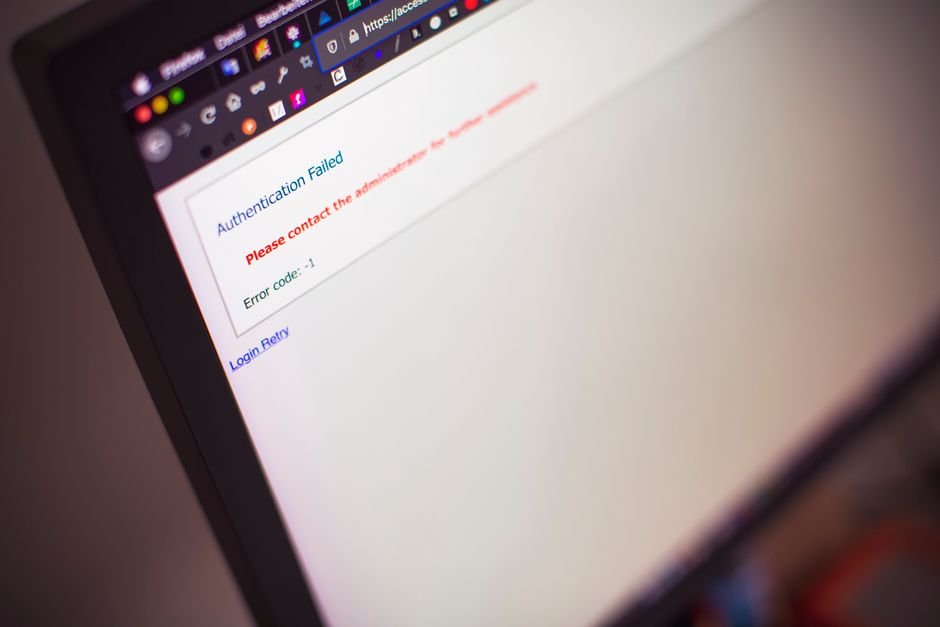
Or worse: the login screen says your username or password is wrong, even though you typed it the same way you have for two years.
Both are real, both are documented, and neither means your install is broken. Home Assistant 2026.10 tightened a few rules, and a lot of custom integrations hadn’t caught up yet. Here’s how to tell which problem you have and what actually fixes it.
Jump to a Section
- Why did my integration stop working after Home Assistant 2026.10?
- What does “Requirements for … not found” mean?
- Why can’t I log in to Home Assistant after updating?
- Which integrations were removed or disabled in 2026.10?
- How do I roll back to 2026.9 safely?
- Tips
- Warnings
- FAQ
- Sources
Why did my integration stop working after Home Assistant 2026.10?
Integrations fail after Home Assistant 2026.10 for three main reasons: a custom integration’s Python requirements conflict with packages bundled in 2026.10, the integration relied on code that 2026.10 stopped allowing, or the integration was removed or disabled in the official 2026.10 release notes.
The fastest way to sort it out is the log. Go to Settings, then System, then Logs, and search for the integration’s name.
| What the log says | What’s behind it | Who fixes it | What you do now |
|---|---|---|---|
| “Requirements for X not found” / “No solution found when resolving dependencies” | Package version clash with 2026.10 | Integration maintainer | Update via HACS, or wait / roll back |
| Setup failed with a Python error inside the integration’s own files | Uses an API that 2026.10 now enforces or removed | Integration maintainer | Check the GitHub issues page for a release |
| Integration not found / no longer starts | Removed or disabled in core | Nobody (by design) | Remove it or find a replacement |
| Login rejected, repair about usernames | Username normalization | You | Log in with the lowercase, trimmed name |
When I checked the GitHub issue trackers on October 10, I found that most of the 2026.10 breakage reports were about custom integrations, not core ones. That matters, because Home Assistant’s own team can’t ship the fix for those.
What does “Requirements for … not found” mean?
“Requirements for [integration] not found” in Home Assistant 2026.10 means the custom integration asked for a Python package version that cannot be installed alongside the packages Home Assistant 2026.10 itself ships, so the package installer gave up and the integration never started.
Here are real examples from the first days after release:
- xAI conversation (custom): the log said xai-sdk 1.6.0 or newer needs protobuf below version 7, but 2026.10 ships protobuf 7.36.0. The reporter’s last working version was 2026.9.6 (core issue #185147).
- BTicino C100X (custom): the maintainer pointed to 2026.10 moving to PyAV 19.0.0 while the aiortc library it depends on still wants PyAV below 18.
- Mazda 6e (custom): setup failed on a cryptography version range.
- Ecovacs: reports were filed against both the core integration and a separate custom mower integration.
There’s no setting you can flip to make two incompatible package versions live together. Honestly, that’s the frustrating part.
Your options are short:
- Open HACS and check for an update to that integration. Several maintainers pushed 2026.10-compatible releases within days.
- Read the integration’s GitHub issues. If a fix is in progress, the thread usually says so.
- Disable the integration under Settings, then Devices & services, if it’s not critical, and wait.
- Roll back if it runs something you can’t live without, like locks or heating. See the rollback section below.
Why can’t I log in to Home Assistant after updating?
Home Assistant 2026.10 removed the deprecated legacy mode of its built-in authentication provider, so usernames are now always handled in normalized form, meaning lowercase with no spaces at the start or end, according to the backward-incompatible changes listed in the 2026.10 release notes.
If you created a user years ago as “Dad” or “Kitchen Tablet ” with a trailing space, the old legacy mode was forgiving about that. 2026.10 isn’t.
Try these in order:
- Type the username in all lowercase, with no spaces before or after.
- Check the companion app. Saved logins on phones and wall tablets often store the old capitalization. Sign out and back in.
- Look for the repair. Release notes say that if Home Assistant showed you a repair about usernames that aren’t normalized, you should change those usernames to match. An admin can do that under Settings, then People.
- Use another admin account to reset the user if you’re fully locked out of one account.
Most people skip step 2 and assume the server is broken, when it’s just the kitchen tablet remembering a capital letter.
The authentication providers documentation explains how the built-in provider works if you want the details.
Which integrations were removed or disabled in 2026.10?
Home Assistant 2026.10 removed eight integrations, namely Dublin Bus, Etherscan, Melnor RainCloud, Orange and Rockland Utility (ORU), Sigfox, SolarEdge Local, Travis-CI, and Zestimate, and disabled two more, Linode and Tank Utility, because their Python libraries are unmaintained and conflict with current packaging tools.
If you used SolarEdge Local, look at the release notes. 2026.10 also added a local SolarEdge Modbus integration, which is the obvious place to start.
Other changes that can look like breakage but aren’t:
- MQTT: mqtt.publish and mqtt.dump now need an administrator account when a user calls them. Dashboard buttons run by a non-admin user may stop working.
- Synology DSM: reboot and shutdown actions now need an admin account too.
- State conditions: combining “for” with an attribute, a state list, or another entity’s state now fails validation. Old automations using that pattern will show errors.
- Telegram bot: download_file folders must be in allowlist_external_dirs.
- Mealie: needs Mealie 3.2 or newer on your server.
When I compared the GitHub reports against this list, I noticed that a few “it broke” threads were really these intended changes. Worth a two-minute check before you roll back anything.
How do I roll back to 2026.9 safely?
On Home Assistant OS, the documented way to downgrade from 2026.10 is a partial restore of the backup taken before you updated, and Home Assistant’s common-tasks guide notes that adding –backup to the update command creates that partial backup automatically, per the Home Assistant OS common tasks page.
- Go to Settings, then System, then Backups.
- Find the backup created before 2026.10. The automatic pre-update backup shows the old version in its name or details.
- Choose a partial restore that includes Home Assistant Core.
- Wait for the restart, then confirm the version under Settings, then About.
- Turn off automatic updates for Core until the integration you need has a 2026.10 release.
Don’t have a backup? Advanced users can install a specific version from the command line with ha core update –version followed by the version number. Users in the GitHub reports named 2026.9.6 as their last working version. Without a backup, though, any config changes made under 2026.10 may not carry back cleanly.
If your setup also leans on cloud integrations, it’s a good moment to check whether any are changing price or access this month. We covered one in the SmartThings API fee change.
Tips
- Read the “Backward-incompatible changes” section of every monthly release before updating. It takes five minutes.
- Wait for the first patch release (x.x.1 or x.x.2) if you run many custom integrations.
- Keep a list of your HACS integrations and their GitHub pages so you can check issues fast.
- Store at least one backup off the device, on a NAS or cloud storage.
Warnings
- Don’t manually pip-install older package versions inside the Home Assistant container. It can break core integrations on the next restart.
- Don’t delete and re-add a broken custom integration as a first step. You may lose entity IDs your automations depend on.
- Don’t run a full restore when a partial one will do. A full restore also rolls back your add-on data.
- Locks, alarms, and heating deserve extra caution. Test them right after any update.
FAQ
Is there a Home Assistant 2026.10.1 fix for broken custom integrations?
Patch releases fix core bugs, but custom integration conflicts have to be fixed by each integration’s maintainer. Check HACS and the integration’s GitHub page for a 2026.10-compatible release before expecting a core patch to help.
Will my automations break because of the username change?
No. The username change in 2026.10 affects how people log in, not automations. Automations only break if they rely on a removed integration or on a pattern that 2026.10 now rejects, such as some state conditions.
Can I skip 2026.10 and wait for 2026.11?
Yes. Home Assistant does not force Core updates, so you can stay on 2026.9 until your integrations catch up. Just keep backups and read the release notes for every version you skip before you jump ahead.
Sources
- Home Assistant — 2026.10 release notes (October 7, 2026)
- Home Assistant — Common tasks for Home Assistant OS (versions, backups)
- GitHub — home-assistant/core issue #185147 (xAI requirements conflict)
🔗 Related guides
Fact-checked against the Home Assistant 2026.10 release notes, Home Assistant documentation, and public GitHub issue reports as of October 10, 2026. Fix status for individual custom integrations changes daily.