Copilot Not Showing in CarPlay? Check These 5 Things
Short answer: Copilot only appears in CarPlay when four things line up. Your iPhone needs iOS 26.4 or later. The Copilot app has to be current. The car must support CarPlay. And voice must be available on your Copilot account. Check those first. Then walk the Wi-Fi and CarPlay settings below.
A Copilot icon that never shows up on the CarPlay home screen is almost always a requirements problem, not a bug. Microsoft added voice chat for CarPlay in its support documentation, and the page lists exactly four conditions. Miss one and the app simply stays hidden.
I read Microsoft’s CarPlay page line by line and turned it into a checklist, in the order that wastes the least time.
Jump to a Section
- What Copilot in CarPlay needs
- Why is Copilot missing from my CarPlay screen?
- How do I start a Copilot voice chat in CarPlay?
- How do I pick up a chat after reconnecting?
- What can Copilot not do in CarPlay?
What Copilot in CarPlay needs
According to Microsoft’s support page for Copilot in Apple CarPlay, the feature requires an iPhone running iOS 26.4 or later, the latest version of the Microsoft Copilot app, a vehicle that supports Apple CarPlay, and access to voice in Copilot (support.microsoft.com, checked October 2026).
| Requirement | Where to check it | If it fails |
|---|---|---|
| iPhone on iOS 26.4 or later | Settings > General > About | Update iOS, then reconnect to the car |
| Latest Copilot app | App Store > Updates | Update the app and open it once |
| CarPlay-capable vehicle | Car manual or head unit menu | Nothing in the phone will fix this |
| Voice access in Copilot | Open Copilot and try its voice mode | Microsoft’s page does not say which plans include voice, so check your own account |
Here’s where people get tripped up. The iOS number is a hard floor. An iPhone on 26.3 will happily run CarPlay for Maps and Music and still never list Copilot.
Why is Copilot missing from my CarPlay screen?
Copilot is missing from a CarPlay screen when the iPhone is below iOS 26.4, the Copilot app is out of date, or voice is not available on the signed-in account. Work through them in this order.
- Confirm the iOS version first. It takes ten seconds.
- Update Copilot from the App Store and open it on the phone before you plug in.
- Open voice mode on the phone. If voice itself does not work there, CarPlay will not fix it.
- Unplug and reconnect the phone.
- Check the connection settings in the next list.
When I checked the connection steps in Microsoft’s guide, they depend on what kind of car you have. That is easy to miss.
| Car type | How Microsoft says to launch CarPlay |
|---|---|
| USB only | Plug the iPhone into the car USB port |
| USB and wireless | Plug in via USB first; an iPhone alert may later offer wireless on future drives |
| Wireless only | Hold the steering wheel voice button with the stereo in wireless or Bluetooth mode |
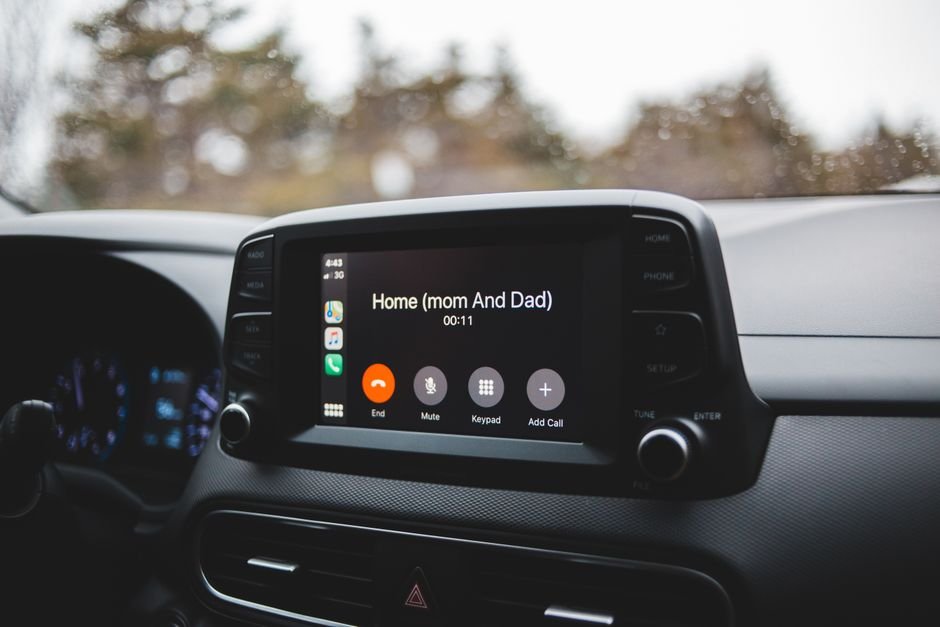
Then the two iPhone settings that Microsoft calls out. In Settings > Wi-Fi, make sure Wi-Fi is on. Tap the info button next to your CarPlay network and confirm Auto-Join is on. Finally, go to Settings > General > CarPlay and pick your car, then choose Microsoft Copilot on the CarPlay screen.
Skip none of these. Honestly, the Auto-Join toggle is the one I would double-check twice.
How do I start a Copilot voice chat in CarPlay?
A Copilot voice chat in CarPlay starts either by selecting “New voice chat” on the Copilot screen or by saying “Hey Siri, ask Copilot.” Microsoft says to wait until the status shows listening before you speak your prompt.
- Select New voice chat, or say the Siri phrase.
- Wait for the listening status.
- Speak the prompt.
Speaking too early is the classic mistake. If the first words get lost, that is why.
How do I pick up a chat after reconnecting?
To continue a Copilot voice chat after you reconnect an iPhone to CarPlay, select Microsoft Copilot on the CarPlay screen and the voice session continues through the car. Microsoft says you can skip that tap if Copilot was the last app open on CarPlay.
If you have ever lost a chat after a stop for fuel, you know why this matters. Reconnect, tap Copilot, and carry on.
What can Copilot not do in CarPlay?
Copilot in CarPlay is a voice-first, low-distraction experience, and Microsoft states that some features of the Copilot mobile app may not be supported there. The page does not list which ones. So if a feature that works on the phone is gone in the car, that is expected rather than broken.
I noticed that the page has no troubleshooting section at all. Everything above is the documented path. Anything beyond it, such as swapping cables, is general CarPlay advice rather than a Copilot fix, so treat it as a guess.
For related checks on other assistants, see ChatGPT Chrome Extension Not Seeing Your Tabs? 7 Checks and Claude Not Showing in Google Docs or Sheets?.
Tips
- Set up Copilot before you drive, not at a red light.
- Update iOS and the Copilot app on Wi-Fi at home.
- Test voice mode on the phone before blaming the car.
Warnings
- Only use your phone when it is safe and legal to do so, per Microsoft.
- Avoid touching the device while the vehicle is moving; use hands-free voice.
FAQ
Which iOS version does Copilot in CarPlay need?
Microsoft’s support page requires an iPhone running iOS 26.4 or later. Older versions can still run CarPlay but will not list Copilot.
Does Copilot work in CarPlay over wireless?
Yes, if your car supports wireless CarPlay. Microsoft describes USB, USB-plus-wireless, and wireless-only setups, and each launches CarPlay slightly differently.
Is there a Copilot troubleshooting page for CarPlay?
Not on the page itself. Microsoft points to its FAQ about voice features in Microsoft 365 Copilot, so recheck the requirements and the Wi-Fi and CarPlay settings first.
Sources
🔗 Related guides