iPhone 18 Pro Speaker Crackling or Popping? What Helps, What Doesn’t, and When to Return It (2026)
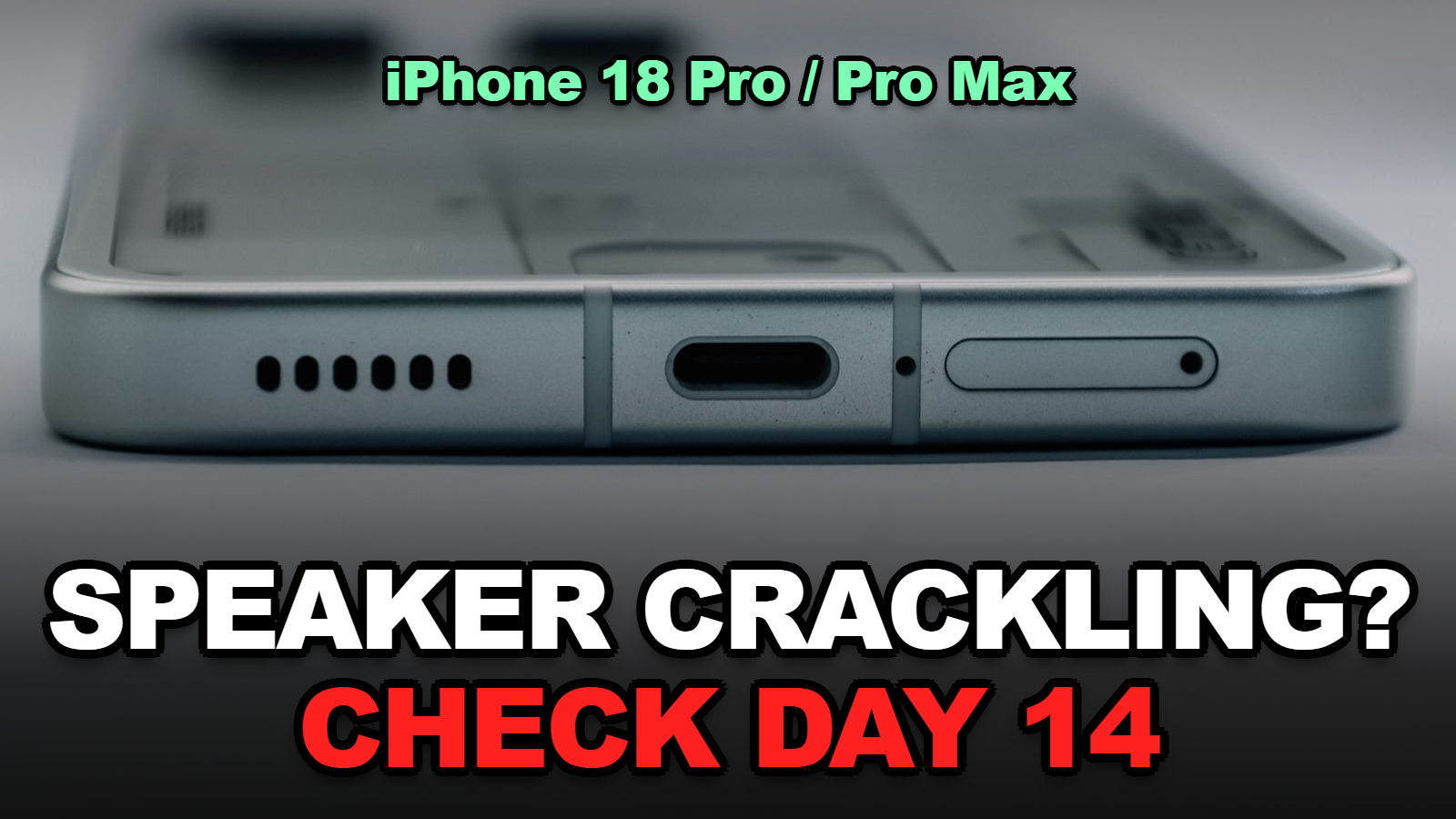
Short answer: You’re not imagining it. Since late September 2026, iPhone 18 Pro and Pro Max owners have reported clicking and crackling from the speakers and earpiece. It shows up when they scroll, type, change brightness, or take calls. Apple hasn’t acknowledged it. iOS 27.0.1 didn’t fix it for most people. Some replacement units crackle too. Rule out the easy causes first. Switch calls from Voice Isolation to Standard. Then decide fast if you’re still inside Apple’s 14-day return window.
A tiny tick when you open the keyboard. A crackle when you drag the brightness slider. A pop in your ear halfway through a call.
Owners on Reddit and the MacRumors forums started describing this within days of the iPhone 18 Pro launch, and the reports haven’t stopped. Nobody outside Apple knows yet whether it’s hardware or software.
That uncertainty is exactly why the order of your next steps matters. Here’s how to confirm it’s the known issue, what helps, and how to protect your return or repair options while Apple stays quiet.
In This Fix-It Guide
- Is iPhone 18 Pro Speaker Crackling a Known Problem?
- How Do You Tell If Your iPhone 18 Pro Has the Crackling Issue?
- What Actually Reduces the Crackling?
- Did iOS 27.0.1 Fix iPhone 18 Pro Speaker Crackling?
- Should You Return, Exchange, or Wait?
- Moves That Waste Your Time
- Tips
- Warnings
- FAQ
- Sources
Is iPhone 18 Pro Speaker Crackling a Known Problem?
Yes. Some iPhone 18 Pro and iPhone 18 Pro Max owners have reported clicking, crackling, and popping sounds from the speakers since late September 2026, and Apple had not publicly acknowledged the issue as of Macworld’s September 30 report.
Owners describe the sound as a tick, snap, or “raspy” crackle. It often happens when no audio is playing, which is what makes it so strange.
Not every unit has it. Tech site Gotechtor notes that the crackling isn’t present on every iPhone 18 Pro or Pro Max, and that it’s still unclear whether the cause is hardware, firmware, or software.
When I checked the reports side by side, I noticed that the triggers people list are almost all system events rather than audio playback. That’s a hint, not proof, that power management or software is involved.
How Do You Tell If Your iPhone 18 Pro Has the Crackling Issue?
The quickest test for iPhone 18 Pro speaker crackling is to hold the phone near your ear in a quiet room and repeat the actions owners most often report as triggers, such as quickly dragging the brightness slider or toggling Airplane Mode on and off.
| Test | How to do it | What a match sounds like |
|---|---|---|
| Brightness slider | Open Control Center, drag brightness up and down fast for 10 seconds | Faint ticks or crackle from the earpiece |
| Airplane Mode | Toggle it on and off three or four times | A pop or click with each toggle |
| Keyboard and scrolling | Type a note, then scroll a long web page | Random clicking as you interact |
| Cellular call | Call a voicemail line and listen for a minute | Crackle over the voice, worse with Voice Isolation |
| Music at moderate volume | Play a track you know well at about 50% | If it only crackles here, suspect debris or a case first |
Table: our test checklist built from triggers reported by owners in Macworld’s and Gotechtor’s coverage, checked October 8, 2026.
Record a screen recording with the microphone on while you test. If you end up at an Apple Store, a clip beats “it happens sometimes.”
This part trips a lot of people up: the noise is often quiet. If you test in a noisy room, you’ll convince yourself it’s gone.
What Actually Reduces the Crackling?
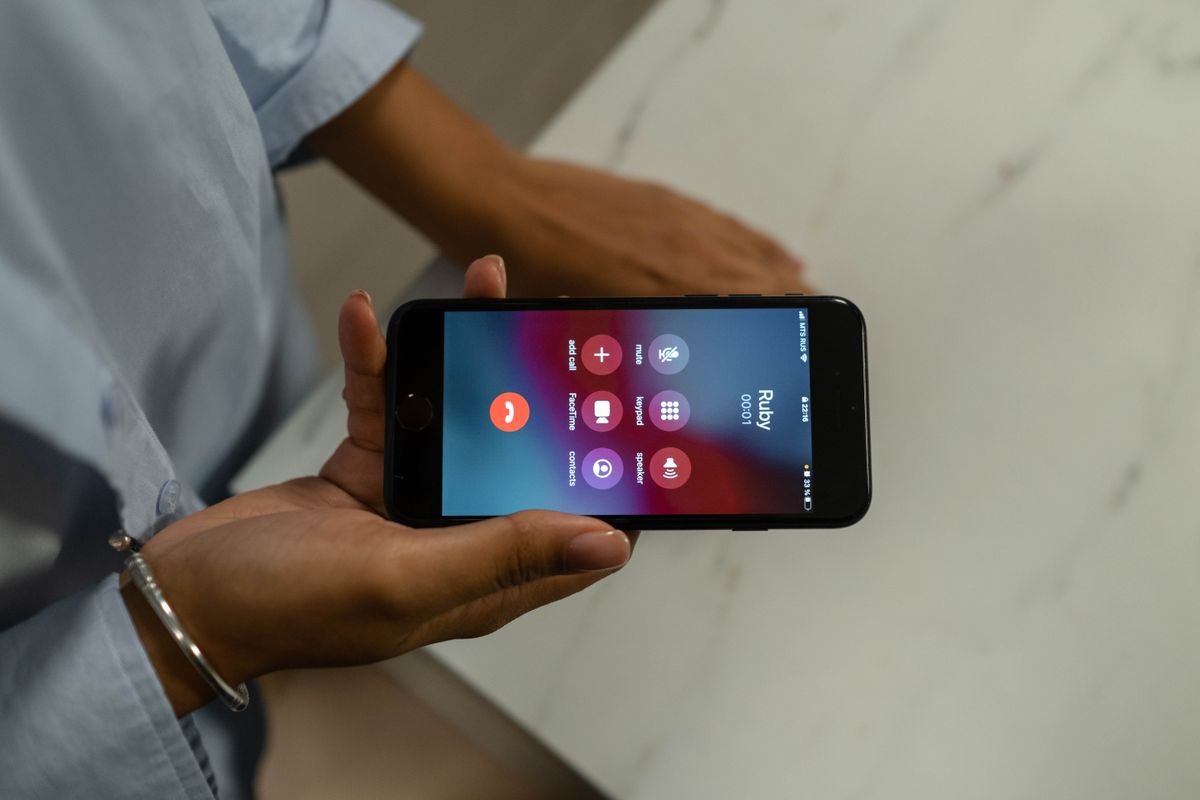
For crackling during phone calls on an iPhone 18 Pro, switching the call Mic Mode from Voice Isolation to Standard is the change owners most often say helps, with one owner quoted by Macworld reporting “way less crackling” afterward.
- Start a call, open Control Center, and tap Mic Mode. Choose Standard instead of Voice Isolation. The setting generally sticks for that calling app.
- Restart the phone. Hold the side button and a volume button, then slide to power off. It’s basic, but it rules out a stuck audio process.
- Take the case off and test again. A tight case or screen protector edge near the earpiece can create buzzing that sounds similar.
- Check the grilles. Look at the earpiece and bottom speakers under a light. Clean gently with a soft, dry brush. Apple’s distorted speaker sound guide covers the basics.
- Update to the latest iOS. Go to Settings > General > Software Update.
Honestly, if the brightness-slider test still crackles after all five, you’ve got the same thing everyone else is reporting. More settings changes probably won’t fix it.
Did iOS 27.0.1 Fix iPhone 18 Pro Speaker Crackling?
iOS 27.0.1, released on September 28, 2026, did not stop the crackling for most iPhone 18 Pro owners who reported it, although at least one owner said call-only crackling disappeared after updating, according to Macworld and Gotechtor.
None of the coverage of iOS 27.0.1 describes a speaker audio fix. That update was mainly about other launch bugs. Our guide to what iOS 27.0.1 fixed on the iPhone 18 Pro covers the Face ID restart issue it did address.
Will a later update fix it? Maybe. Macworld notes Apple “may address it in a software update.” I found that no report so far cites Apple support staff promising a fix, so treat any “fix coming in iOS 27.1” claim you see as speculation until Apple’s notes say so.
Should You Return, Exchange, or Wait?
If you bought your iPhone 18 Pro directly from Apple and it arrived within the last 14 days, you can still return or exchange it under Apple’s standard return policy, which allows returns within 14 days of the date you receive the product.
That clock matters more than any setting you change. An iPhone that arrived on September 24 hits day 14 today, October 8. If you bought at launch, your Apple return window has probably already closed.
Here’s how to choose:
- Inside the return window and the crackle bothers you: exchange or return now. Bring your recording. You can always decide later whether to buy again.
- Inside the window, but it’s barely noticeable: it’s a judgment call. Some owners report replacement units crackle too, so an exchange isn’t a guaranteed fix.
- Outside the window: you’re covered by Apple’s one-year limited warranty. Book a diagnosis through Apple Service and Repair so the problem is on record, even if they can’t fix it yet.
- Bought from a carrier or retailer: their return rules apply, not Apple’s. Check your receipt today.
Getting it on record is the step people skip. If Apple later confirms a hardware issue and starts a service program, a documented complaint helps.
If you’re also comparing store return rules for holiday purchases, our retailer return window comparison lays them out.
Moves That Waste Your Time
- Factory reset as step one. It costs you an evening of setup, and nothing in the reports so far suggests it helps. Save it for when Apple Support asks.
- Third-party “speaker cleaner” tone apps. Those are meant for water ejection. They won’t fix a crackle that happens with no audio playing.
- Swapping three times hoping for a “good batch.” With replacements reported to crackle too, you may just burn through your return window.
- Assuming it’s your carrier. Separate AT&T connection problems exist on some Pro Max units. See our iPhone 18 Pro Max SOS guide, but that’s a different issue.
Tips
- Note the date your iPhone arrived. Day 14 from that date is your Apple return deadline.
- Record the brightness-slider test with sound on. It’s the most repeatable trigger owners report.
- Use Standard Mic Mode on calls until there’s an official fix.
- Check Apple’s iOS release notes with each update for any mention of speaker or audio fixes.
Warnings
- Don’t open the phone or poke the grilles with metal tools. It can void your warranty and damage the speaker mesh.
- Don’t rely on forum claims that a specific iOS version fixes it. Test your own phone after each update.
- Carrier and retailer return windows differ from Apple’s. Check yours before assuming you have 14 days.
- If you hear crackling along with overheating or a swollen screen, stop using the phone and contact Apple. That’s a different problem.
FAQ
Does iPhone 18 Pro speaker crackling damage the speaker?
There’s no evidence so far that the crackling damages the speaker, and Apple hasn’t commented on it. Get it diagnosed under warranty so the issue is documented either way.
Does the regular iPhone 18 have the crackling problem too?
The reports so far focus on the iPhone 18 Pro and iPhone 18 Pro Max. Coverage from Macworld and Gotechtor hasn’t described the same pattern on other iPhone 18 models.
Will Apple replace an iPhone 18 Pro for speaker crackling after 14 days?
After the 14-day return window, an iPhone 18 Pro is covered by Apple’s one-year limited warranty, so Apple can diagnose it and decide on a repair or replacement. Some owners report replacement units crackle too.
Sources
- Macworld — iPhone 18 Pro speakers ‘crackling and popping,’ some owners complain (September 30, 2026)
- Gotechtor — iPhone 18 Pro replacement units crackling too
- Apple — Returns and Refunds
- Apple Support — If you hear no sound or distorted sound from your iPhone speaker
🔗 Related guides
- iOS 27.0.1 Fixes the iPhone 18 Pro Face ID Restart Bug, but Not Battery Drain: What to Do Now (2026)
- iPhone 18 Pro Max Stuck on SOS With AT&T? Why Updates Won’t Fix It, and How to Get the Free Replacement (2026)
- 63% of Shoppers Now Walk Away Over Return Policies – Here’s How Every Major Retailer’s Window Compares (2026)
Fact-checked against Macworld and Gotechtor reporting and Apple’s return and support pages as of October 8, 2026. Apple has not confirmed the cause; we’ll update this if it does.