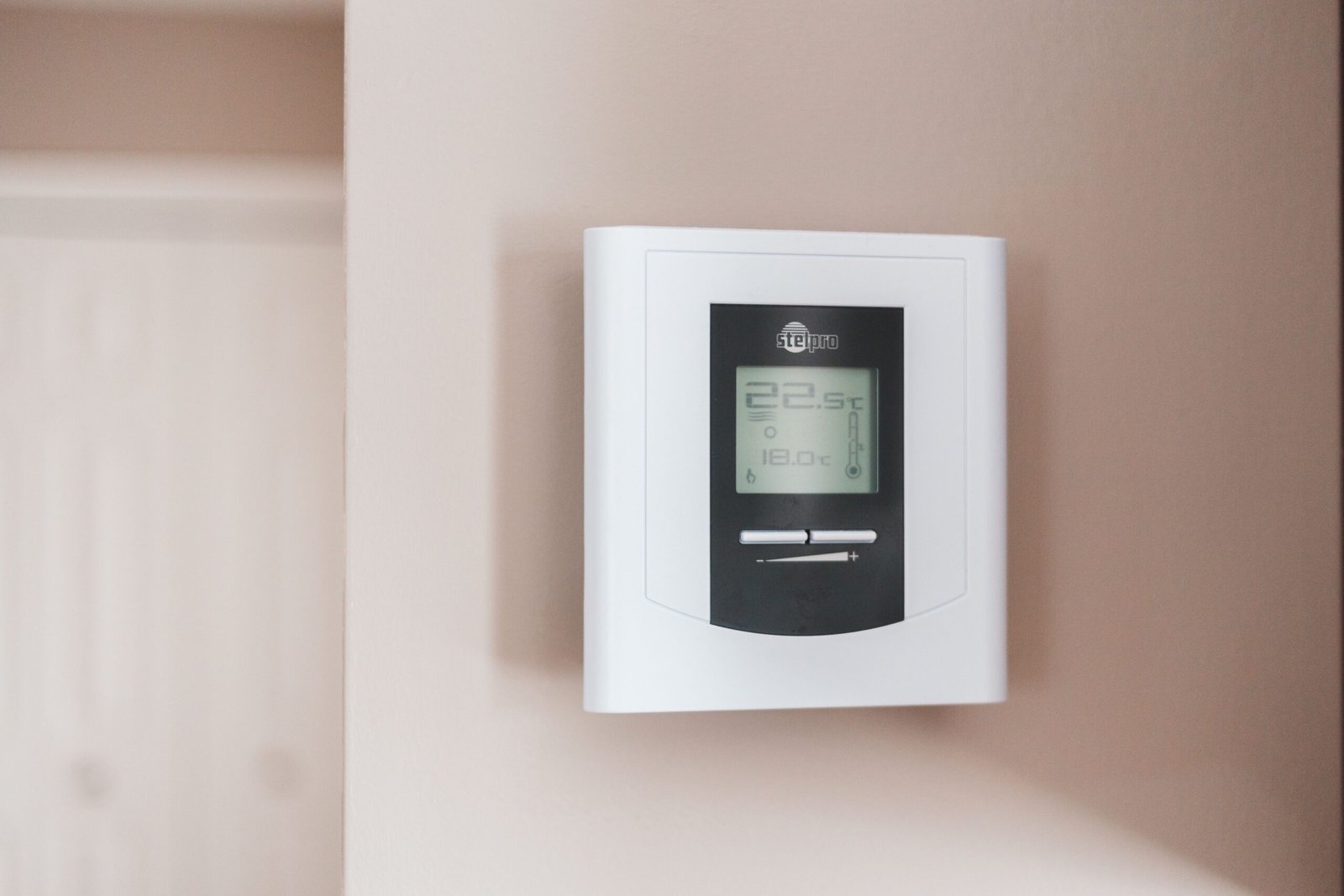
Smart Thermostat, No C-Wire: How to Install One Anyway
You pulled the old thermostat off the wall, counted the wires, and there’s nothing on the C terminal. That’s the point where most smart thermostat installs stall out. Running a smart thermostat with no C-wire is a solved problem in 2026 — the fix just isn’t the same fix for every house.
Here’s what the wall plate is actually telling you, and what to do about it.
In This Guide
- Step 1: Confirm You Really Don’t Have a C-Wire
- Step 2: Pick One of the Four Power Routes
- Which Setup Needs Which Thermostat
- What Tends to Break After the Install
- ⚠️ Warnings Before You Touch Anything
- Checklist
- FAQ
- Sources & Further Reading
Step 1: Confirm You Really Don’t Have a C-Wire
Plenty of homes have a C-wire that nobody ever connected. The installer pulled a five-conductor cable, used four of them, and tucked the spare into the wall cavity. It’s sitting there right now doing nothing.
So before you order an adapter, check three things.
Kill the power first. Not the thermostat — the breaker feeding the furnace or air handler. Some systems also have a service switch on the unit itself that looks like a light switch. Flip both.
Look at the terminal block, then look behind it. A terminal labeled C with nothing in it means one thing. A blue or black conductor curled up unused behind the plate means something completely different, and that second case is common in houses wired after the mid-1990s. Photograph the terminals before you loosen a single screw. When I checked owner threads on this, the missing photo is the single most-repeated regret — people label the wires and still can’t remember which terminal was which.
Check the other end. The furnace control board is where the answer lives. If a spare conductor is present at the thermostat but not landed on the board’s C terminal, you may be one screw away from being done. Google’s own support documentation on the common wire spells out that the C wire doesn’t control heating or cooling at all — it just supplies constant power, which is why battery-only models limped along for years without one.
Color is not a reliable guide, by the way. Blue is usually the common conductor. Usually is doing heavy lifting in that sentence, and previous homeowners rewire things.
Step 2: Pick One of the Four Power Routes

Route A — Power extender kit at the furnace
This is the route most people end up on. A power extender kit (ecobee calls it a PEK; Google sells a Nest Power Connector) mounts at the control board and reuses your existing conductors to deliver constant power up to the thermostat. No new cable through the wall. No drywall work.
The catch is that it lives at the furnace, not at the thermostat, so you need access to the control board and you need to move several wires over to the adapter. ecobee bundles the kit with some models and sells it separately for others — check what’s actually in the box for the exact model you’re buying, because that detail changes by product tier.
Route B — A thermostat that shares power over existing wires
Some units are engineered around the problem instead of adapting to it. They pull small amounts of current through the heating or cooling conductors during idle periods, which the industry calls power stealing.
It works. It also has a failure mode worth knowing: on systems with sensitive control boards, power stealing can cause short-cycling or a furnace that clicks on when nothing asked it to. If that happens after install, the adapter route is the fix — not more configuration.
Route C — Battery-only operation
Renting? Start here and don’t bother with the rest. Battery-powered models need no wiring change at all, most leases forbid permanent thermostat modification anyway, and you take the unit with you when you move.
The trade is real, though. Wi-Fi radios drain batteries, so expect to swap cells more often than the box implies, and expect fewer always-on features.
Route D — Run a new conductor
The cleanest long-term answer and the most work. If your thermostat cable is a four-conductor run through finished walls, pulling a five-conductor replacement means fishing wire, and that’s where a lot of DIY projects turn into a call-out anyway. Get a quote before you commit a weekend to it.
Which Setup Needs Which Thermostat
The climate-zone framing you see in most buying guides isn’t wrong, it’s just downstream of a more basic question: what does your equipment force the thermostat to handle? This table reframes the popular 2026 models around the specific problem each one solves. Prices are mid-2026 street prices cross-checked against manufacturer listings, not MSRP, and they drift between retailers.
| Your situation | What the thermostat has to handle | Models built for that job | Typical price |
|---|---|---|---|
| No C-wire, standard low-voltage forced air | Constant power without a new cable run | ecobee (PEK), Google Nest (Power Connector) | $150–$280 |
| 120V–240V electric baseboard or radiant heat, common in older Northeast and Canadian homes | Line voltage — an entirely different electrical class from low-voltage systems | Mysa V2 | $150–$200 |
| Renting, or wiring changes are off the table | Zero permanent modification, batteries only | Battery-operated models; verify the lease first | Varies by model |
| One room never hits the number while the hallway is fine | Remote sensing, and awareness of zone dampers | Honeywell Home T9 (supports up to 20 sensors) | $130–$170 |
| Gulf Coast summers — display says 74°F and the room still feels awful | Humidity treated as a control input, not a readout | ecobee Smart Thermostat Premium | $249–$260 |
| Mixed or unidentifiable equipment; you genuinely don’t know what’s down there | The widest compatibility list you can find | Emerson Sensi Touch 2 | $130–$170 |
| Budget is the whole brief | Basic scheduling, minimal climate tuning | Amazon Smart Thermostat — its compatibility checker is strict about the C-wire, so run it before ordering | $55–$70 |
One honest limitation on the humidity row. None of these manufacturers publish independent third-party accuracy testing for their humidity sensors that I could verify, so treat those specs as directionally useful rather than lab-certified.
What Tends to Break After the Install
It won’t reach the set temperature. Before blaming the thermostat, confirm the mode is right — a unit parked in Auto during a shoulder season behaves in ways that look broken but aren’t. Then check the filter and the vents. Geofencing is the sneaky one: if Wi-Fi drops, some units stay in away mode while you’re standing in the living room. And if the system runs constantly without ever closing the gap, that’s an equipment symptom, not a thermostat symptom. Weak blower output, duct leakage into an attic, and refrigerant loss all present exactly this way.
Refrigerant work is not a DIY item. That one needs a licensed tech.
Wi-Fi keeps dropping. Thermostats sit on interior walls surrounded by metal ductwork, which is close to the worst possible place for a 2.4GHz radio. Marginal signal usually shows up as a device that works fine for days and then goes silent. Check signal strength in the app before you factory-reset anything.
The heating bill went up instead of down. This one catches people off guard. A smart thermostat that keeps the house at a genuinely comfortable temperature all day will cost more than an old manual unit you were forgetting to turn down. The savings come from setbacks — real ones, when nobody’s home. ENERGY STAR certification requires a smart thermostat to demonstrate at least an 8% annual reduction in heating run time and 10% in cooling, measured in real homes. Run time, note, not dollars. Your bill depends on rates and on how aggressively you actually schedule setbacks. If you’re auditing waste across the whole house, idle draw from hubs and sensors is worth a look too — that’s covered in How to Reduce Your Smart Home’s Standby Power Usage.
⚠️ Warnings Before You Touch Anything
- ⚠️ Shut off power at the breaker before removing the thermostat or opening the furnace cabinet. The thermostat side runs on 24V, but the furnace cabinet contains line-voltage wiring that can seriously injure or kill you. Shock risk is real and so is destroying a control board.
- ⚠️ Don’t assume your wiring matches a diagram you found online. Terminal layouts vary by system type. So do conductor colors. So do jumper positions. A heat pump is wired differently from a conventional gas furnace; dual-fuel and zoned systems differ again. Read your equipment’s own manual and the thermostat’s compatibility guide before wiring anything.
- ⚠️ Never wire a low-voltage smart thermostat to a 120V–240V baseboard or radiant circuit. They are not interchangeable. Line-voltage systems require thermostats rated for line voltage.
- ⚠️ If anything is unclear — unfamiliar terminals, damaged conductors, no idea what system you have — stop and call a licensed HVAC technician or electrician. A service call costs less than a replaced control board, and far less than an electrical injury.
- ⚠️ Blown low-voltage fuse on the control board after a wiring change? That’s a signal something is miswired. Replace it with the exact rating the manufacturer specifies, and don’t keep swapping fuses until you’ve found the fault.
Checklist
- ✅ Breaker off. Furnace service switch off. Verified, not assumed.
- ✅ Photograph the existing terminal block before loosening anything.
- ✅ Look for an unused conductor tucked behind the plate — you may already have a C-wire.
- ✅ Identify your system type first. Forced air, heat pump, line-voltage electric, or zoned.
- ✅ No C-wire and no spare conductor? Budget for a power extender kit alongside the thermostat.
- ✅ Renting: battery-powered only, and read the lease clause on fixtures.
- ✅ Run the manufacturer’s compatibility checker before the order, not after delivery.
- ✅ After install, watch for short-cycling over the first few days — it’s the earliest sign that power stealing doesn’t agree with your control board.
FAQ
Can I just jump the G wire to the C terminal instead of buying an adapter?
You’ll find that suggestion all over HVAC forums, and it does work on some systems. It also disables independent fan control and can misbehave on multi-stage and heat pump equipment. Given that adapters run around $25, the shortcut buys you very little. Verify with your equipment’s documentation before trying it, or skip it.
Does a power extender kit work with every furnace?
No. Coverage is broad but not universal — ecobee’s own material puts its PEK compatibility in the mid-80s percent range of systems. Communicating systems, proprietary control boards, and some high-end variable-speed equipment fall outside it. Check the manufacturer’s compatibility tool against your model number.
My smart thermostat installed fine but the room never reaches the set point. Is the thermostat defective?
Usually not. Work outward instead. Mode and schedule first. Then power stability or batteries. Filter and vents after that. Geofencing state last. If those are all clean and the system runs without closing the gap, the problem is downstream in the equipment or the ductwork.
Do smart thermostats actually save money?
They can, and the size of it hangs almost entirely on your current habits. Someone already running a programmable thermostat well should expect modest gains rather than a windfall. Any specific percentage you see quoted is an estimate for an average home — not a promise for yours.
Is this a job I can do myself?
For a standard forced-air system with accessible wiring, many people do. The moment you’re opening the furnace cabinet or working near line voltage, the calculation changes. Same goes for terminals you can’t identify. Hand it to a professional.
Fact-checked against manufacturer documentation and public agency sources as of July 29, 2026.
Sources & Further Reading
- Google Nest — Learn about the common or C wire
- ecobee — Installing your thermostat with the Power Extender Kit (no C wire)
- ENERGY STAR — Smart thermostats
- ENERGY STAR — Smart thermostat certification criteria FAQ
- Electrical Safety Foundation International — Home electrical safety
Next: 2026 Best Smart Home Hubs: Alexa vs Google vs Apple