FuturesAI Strategy Kit: How to Add Real Fees to a Backtest
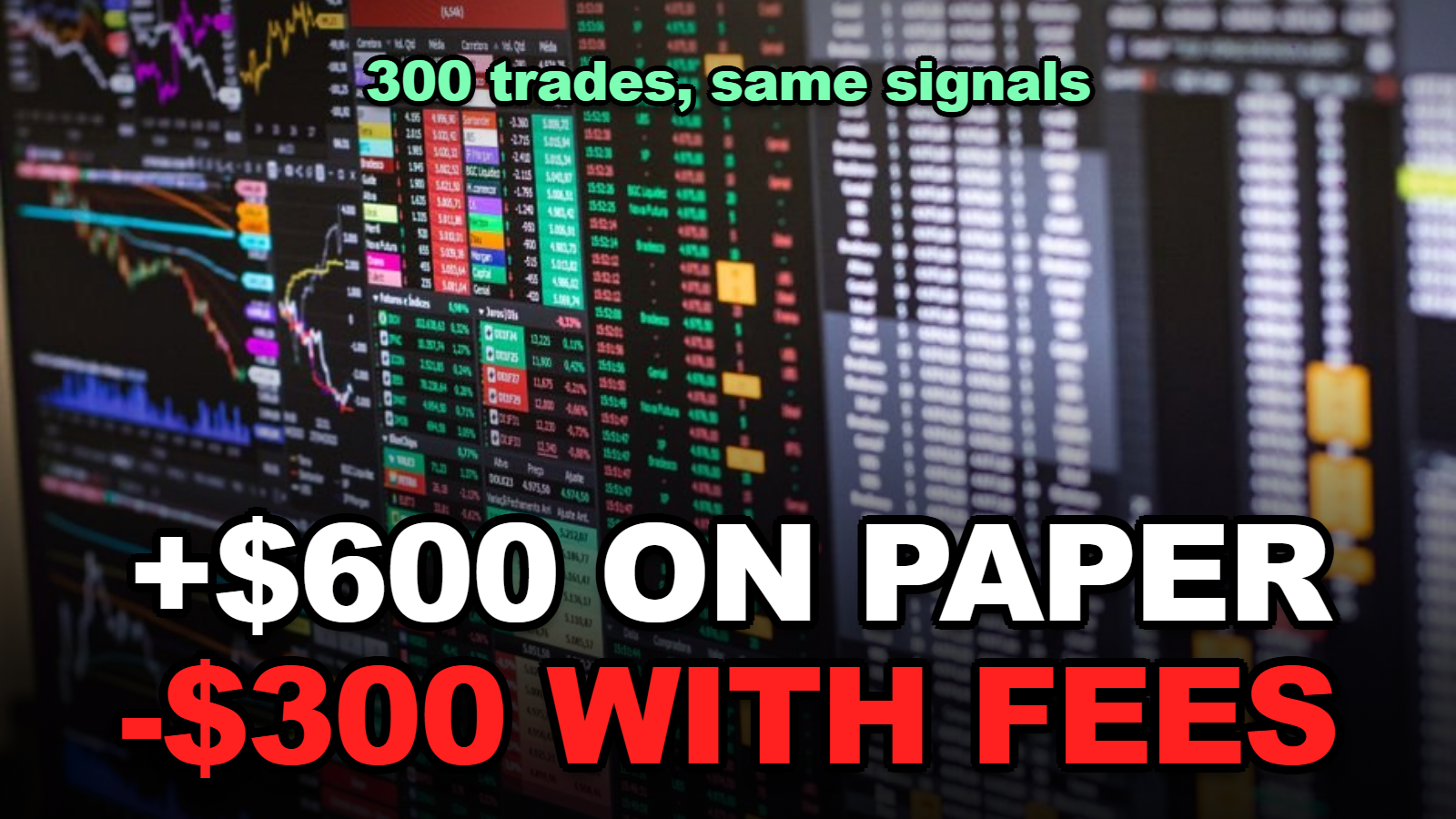
Short answer: A TradingView backtest charges no commission unless you set it. That can hide the whole result. In the worked example below, 300 hypothetical trades show +$600 at zero fees. The same trades at Bybit’s list taker fee, plus 0.02% slippage per fill, come out at -$300. Enter your real per-fill fee and a slippage guess before you trust any equity curve.
The FuturesAI Strategy Kit is a free prompt-and-checklist pack for building TradingView strategies with an AI assistant. Its step 4 is one line long: check fees, slippage and position size in the Strategy Tester.
That line decides more than most people think. This page puts numbers on it.
Not investment advice. Futures trading with leverage can lose your full principal. All trades below are hypothetical and are not FuturesAI results.
Contents
- Does a TradingView backtest charge fees by default?
- How many times is the fee charged per trade?
- What happens to 300 trades at six fee levels?
- How big must the edge be to survive fees?
- Where do the fee numbers come from?
- Setting up the test, step by step
Does a TradingView backtest charge fees by default?
A TradingView strategy backtest applies no commission to filled orders unless commission is specified, according to the “Simulating trading costs” section of TradingView’s Pine Script strategies documentation.
You can set it two ways. The script author can add commission_type and commission_value to the strategy() call. Or you can override it yourself in the strategy’s Settings, on the Properties tab.
When I checked the FuturesAI Strategy Kit page, I noticed that its verification checklist asks the same thing in plain words: did you include fees and slippage? It also says the Strategy Tester result is a simulation, not real trading.
So the default isn’t wrong. It’s just empty.
How many times is the fee charged per trade?
A futures trade that opens and closes with market orders pays the taker fee twice, once on the entry fill and once on the exit fill, so the round-trip cost is double the per-fill rate.
That’s the part people forget when they type a fee into the Properties tab. If you enter 0.05%, every complete trade costs 0.10% of the position size. On a $2,000 position, that’s $2.00 per round trip.
Slippage works the same way. If the fill is a bit worse than the bar price on the way in and on the way out, you lose on both sides.
What happens to 300 trades at six fee levels?
This is a made-up strategy, chosen to show the arithmetic. It takes 300 trades. Each uses a $2,000 position. Before any costs, it averages 0.10% per trade, or $2.00. That’s $600 in total on paper.
Now re-price the same 300 trades with the market-order fees from the FuturesAI partner exchange table (checked October 28, 2026), then add an assumed 0.02% slippage per fill.
| Fee setting (market orders) | Fee per fill | Fee per round trip ($2,000) | Net over 300 trades, fees only | Net with 0.02% slippage per fill |
|---|---|---|---|---|
| Backtest left at TradingView default (no commission) | 0.000% | $0.00 | +$600 | +$360 |
| Bybit market order, list fee | 0.055% | $2.20 | -$60 | -$300 |
| Binance market order, list fee | 0.050% | $2.00 | $0 | -$240 |
| Bybit market order, after 20% payback | 0.044% | $1.76 | +$72 | -$168 |
| OKX market order, after 20% payback | 0.040% | $1.60 | +$120 | -$120 |
| Bitget market order, after discount + 50% payback | 0.015% | $0.60 | +$420 | +$180 |
Same trades. Same signals. The result runs from +$600 to -$300 depending on two numbers in a settings box.
When I compared the rows, I found that the slippage column moves every result down by the same $240. That’s the 0.04% round-trip slippage on $2,000, times 300 trades. It’s a guess, but it’s not a small one.

A lower fee doesn’t turn a bad strategy into a good one. It changes how much edge you need. That’s the next table.
How big must the edge be to survive fees?
A strategy breaks even only when its average gross profit per trade equals twice the per-fill fee plus twice the per-fill slippage, so at a 0.05% taker fee and 0.02% slippage it needs 0.14% per trade before costs.
| Fee per fill | Slippage per fill (assumed) | Break-even edge per trade | On a $2,000 position |
|---|---|---|---|
| 0.055% (Bybit list) | 0.02% | 0.150% | $3.00 |
| 0.050% (Binance list) | 0.02% | 0.140% | $2.80 |
| 0.044% (Bybit after payback) | 0.02% | 0.128% | $2.56 |
| 0.040% (OKX after payback) | 0.02% | 0.120% | $2.40 |
| 0.015% (Bitget after discount + payback) | 0.02% | 0.070% | $1.40 |
Here’s the uncomfortable part. Many short-timeframe ideas look great at 0.07% and die at 0.15%. If your backtest’s average trade sits between those two lines, the fee setting is the whole story.
Our Maker vs Taker Rebate Calculator: Your Mix Sets the Cost shows how using limit orders for part of your fills changes the per-fill number.
Where do the fee numbers come from?
The fees in this example come from the FuturesAI partner exchange table checked on October 28, 2026, which lists each exchange’s limit and market fee and, in brackets, the effective rate after any fee discount and FuturesAI payback.
| Exchange | Payback | Market fee, list | Market fee, effective | Limit fee, list | Limit fee, effective |
|---|---|---|---|---|---|
| Bybit | 20% | 0.055% | 0.044% | 0.02% | 0.016% |
| Binance | 10% | 0.05% | 0.045% | 0.02% | 0.018% |
| OKX | 20% | 0.05% | 0.04% | 0.02% | 0.016% |
| Bitget | 50% | 0.06% | 0.015% | 0.02% | 0.005% |
| Gate | 70% | 0.05% | 0.015% | 0.02% | 0.006% |
Two cautions. Fee tiers change with trading volume and VIP level, and payback rates can change. Use the number on your own account’s fee page if it differs.
And payback usually arrives after the trade, in USDT. In a backtest, entering the effective rate is fine as an estimate. Just know the full list fee leaves your margin first.
Setting up the test, step by step
- Write down your order type. Market entries and exits mean the taker fee on both fills.
- Look up your real fee. Use your exchange account’s fee page, or the effective rate in the FuturesAI table if you trade through a partner link.
- Enter it per fill. In Settings, open Properties and set Commission as a percent of order value. Don’t double it yourself.
- Add slippage. No official figure exists. Pick a cautious guess and write it down.
- Re-run with higher costs. The Strategy Kit’s step 6 asks whether the result holds when costs rise. Try your fee plus 50%.
- Hold back a test period. The kit’s step 5 says to keep a stretch of data you never tuned on, and to treat it as used once you change rules after seeing it.
If you’ve ever watched a demo account look brilliant and a live one bleed, our guide FuturesAI Demo Trading: How to Check Profit Survives Fees walks through the same gap from the other direction.
Tips
- Read net profit together with the number of trades. Fees hurt high-frequency strategies the most.
- Run the same test with limit-order fees if your rules can wait for a fill.
- Save a screenshot of the Properties tab with every result, so you know what costs it assumed.
Warnings
- A backtest is a simulation. TradingView’s strategy runs don’t place orders with a broker by themselves.
- Fee and payback rates here were checked October 28, 2026 and can change.
- Not investment advice. Leveraged futures can lose your full principal.
FAQ
Does a TradingView backtest include trading fees by default?
No. TradingView’s Pine Script strategy documentation says that if commission is not specified, the strategy applies no commission to filled orders, so you have to set it in the strategy code or in the Properties tab.
What commission should I enter for a crypto futures backtest?
Enter the fee you will actually pay per fill as a percent. For market orders that is the exchange’s taker fee, for example 0.05% list on Binance or 0.044% effective on Bybit after a 20% payback, per the FuturesAI partner table checked October 28, 2026.
How much slippage should I add to a backtest?
There is no official number. This worked example uses 0.02% per fill as an assumption, and the FuturesAI strategy kit recommends re-running the test with higher costs to see whether the result survives.
Sources
- TradingView Pine Script docs: Strategies, Simulating trading costs
- FuturesAI Strategy Kit (TradingView strategy build and verification checklist)
- FuturesAI partner exchanges: list and effective fees (checked October 28, 2026)
Before you open a backtest again, set the commission box first. Then look at the curve.
Fact-checked against TradingView documentation and FuturesAI’s live pages as of October 28, 2026. Worked example is hypothetical. Not investment advice; leveraged trading can lose your full principal.
🔗 Related guides