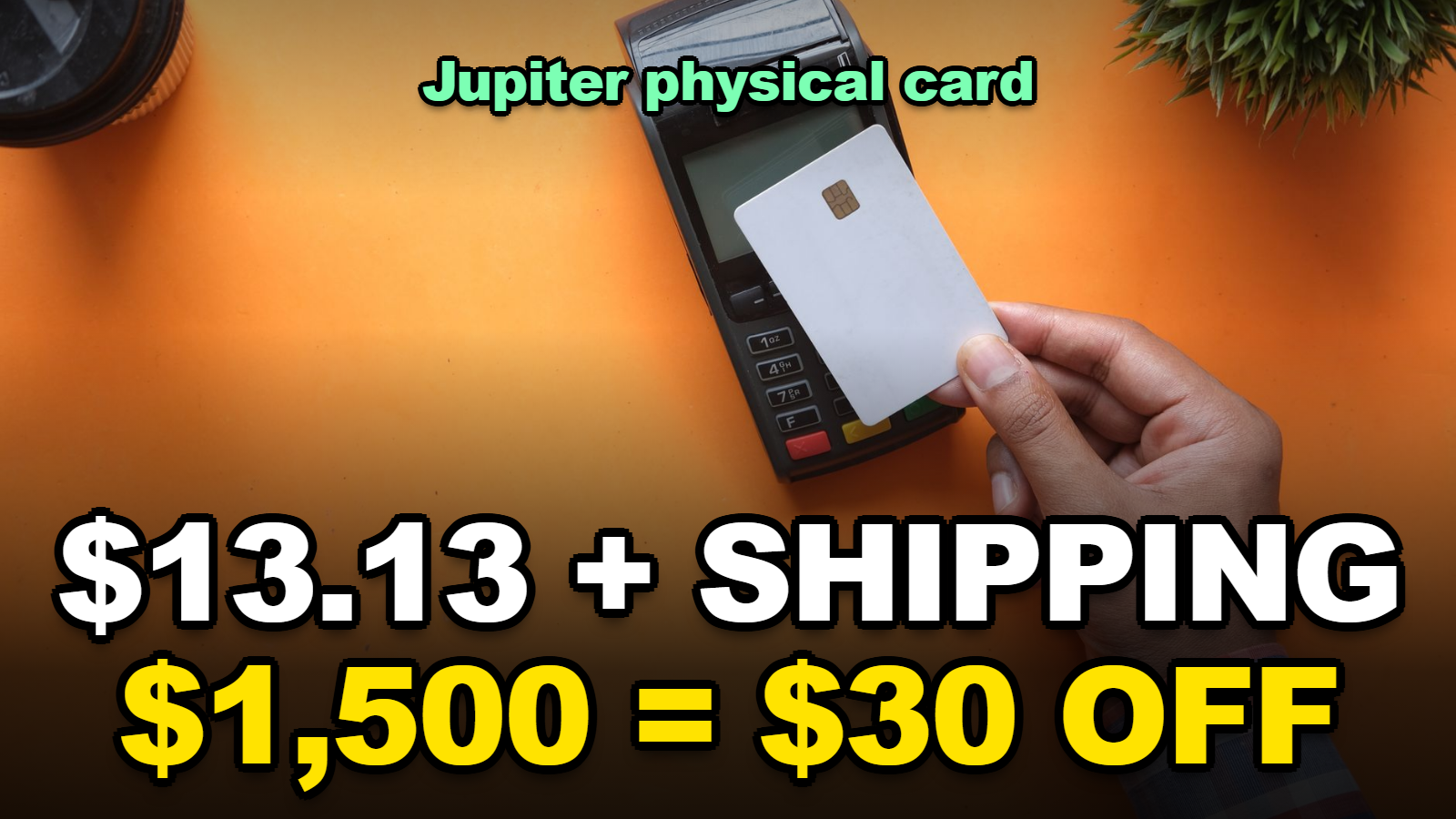
Jupiter Physical Card: What Ordering One Really Costs
Short answer: A Jupiter physical card costs $13.13 plus shipping. Both come out of your Card balance. Hold $1,500 or more when you order and tracked shipping gets $30 off, which covers the whole tracked fee in the US. The order can’t be refunded. And if your card is issued by DCS, as in South Korea or Japan, the physical card still can’t take cash out of an ATM.
Jupiter’s physical card has started showing up in some accounts, and the order screen asks for money before it answers most questions.
The card price itself is small. The parts that move the total are the shipping option, the balance you hold at the moment you tap order, and which of Jupiter’s two issuers you were assigned. This page works out each of those with Jupiter’s own published numbers, so you can decide before the button press that can’t be undone.
Compare Jupiter on Fat Cat Card
General information only. Not investment advice. Crypto prices can fall and you can lose your entire principal; stablecoins can also lose their dollar peg, and card terms can change. Shipping prices in the examples below are illustrative; the Jupiter app shows the real price before you confirm.
Jump to a Section
- How much does the Jupiter physical card cost?
- Is it worth topping up to $1,500 for the shipping discount?
- How long does cashback take to pay the card back?
- Can the Jupiter physical card withdraw cash?
- Why can’t I see the physical card option yet?
- Is the $25 Claynosaurz card a better buy?
- Five checks before you press order
How much does the Jupiter physical card cost?
The Jupiter physical card costs $13.13 plus shipping, according to Jupiter’s Fees & Limits page as of October 2026, and both amounts are charged to your Card balance rather than to a bank card.
There’s no annual fee on top. The virtual card stays free.
The shipping line is where totals spread out. Jupiter shows the shipping price for your country in the app before you confirm, and it gives $30 off shipping in any country if your available balance is $1,500 or more when you order. Two catches: the discount only applies to a tracked shipping option, and untracked shipping is never discounted. In the US, Jupiter says the $30 covers the full cost of the tracked option.
Since the real shipping price depends on where you live, the table uses three example prices. Swap in the number your app shows.
| Scenario | Card | Shipping (example) | Discount | You pay |
|---|---|---|---|---|
| US, tracked, balance $1,500+ | $13.13 | covered | full | $13.13 |
| Tracked $25, balance $1,500+ | $13.13 | $25 | −$25 | $13.13 |
| Tracked $45, balance $1,500+ | $13.13 | $45 | −$30 | $28.13 |
| Tracked $25, balance under $1,500 | $13.13 | $25 | none | $38.13 |
| Tracked $45, balance under $1,500 | $13.13 | $45 | none | $58.13 |
| Untracked $8, any balance | $13.13 | $8 | none | $21.13 |
| Untracked $8, lost in the post, reordered | $13.13 × 2 | $8 × 2 | none | $42.26 |
Card price and discount rules from Jupiter’s Fees & Limits and Jupiter Card pages, checked October 28, 2026. Shipping prices of $8, $25 and $45 are illustrative, not Jupiter quotes.
The last row is the one people don’t plan for. Jupiter’s docs say an untracked card that gets lost in transit has to be replaced, and the replacement is paid like a new card. A cheap untracked option stops being cheap the first time the post loses it.
Is it worth topping up to $1,500 for the shipping discount?
Topping a Jupiter Card balance up to $1,500 before ordering is worth it only if you were going to spend that money through the card anyway, because the most it saves is $30 of tracked shipping.
Put another way, $30 is exactly what 2% cashback pays on $1,500 of spending. If the money would have sat in the card regardless, the discount is free. If you’re moving savings in just to hit the line, the answer depends on your issuer.
- Rain-issued card (most supported countries, including the US): deposits stay 1:1 as USDC or USDT collateral, and the Send screen can move the withdrawable balance back to a Solana wallet. Parking $1,500 for a day and taking most of it back out is possible. Refunds that land on the card can’t be withdrawn, though.
- DCS-issued card (Australia, Japan, Malaysia, the Philippines, Singapore, South Korea, Taiwan, Thailand, Vietnam): withdrawals aren’t supported yet. The app warns that card balances are for spending only. A $1,500 top-up made just for the discount is $1,500 you’ll have to spend on the card.
When I checked the DCS rules side by side with the discount rule, I noticed that they pull in opposite directions. The discount rewards a big balance. The no-withdrawal rule punishes one. For a DCS cardholder who spends $300 a month on the card, $1,500 is five months of spending locked in to save at most $30.
There’s also a small entry cost for DCS users: USDT is converted to USD by the issuer on arrival, so slightly less is credited than you sent. Jupiter calls the gap a fraction of a percent.
How long does cashback take to pay the card back?
Jupiter Card cashback pays back a $13.13 physical card after $656.50 of qualifying USD purchases, because the base rate is 2%, but non-USD purchases take much longer once the FX fee is subtracted.
Jupiter’s Jupiter Card page sets standard cashback at 2%, up to $100 per calendar month, with the cap applied across all cards on one account. Non-USD payments carry an FX fee of 1% on Rain cards and 1.8% on DCS cards. So the net return per dollar spent abroad is 1% on Rain and only 0.2% on DCS.
| Total you paid for the card | USD purchases (net 2%) | Non-USD, Rain (net 1%) | Non-USD, DCS (net 0.2%) |
|---|---|---|---|
| $13.13 | $656.50 | $1,313 | $6,565 |
| $28.13 | $1,406.50 | $2,813 | $14,065 |
| $38.13 | $1,906.50 | $3,813 | $19,065 |
| $58.13 | $2,906.50 | $5,813 | $29,065 |
Break-even spend = card total ÷ net rate. Net rate = 2% cashback minus the issuer’s FX fee on non-USD payments. Rates from Jupiter’s Jupiter Card and Fees & Limits pages, October 28, 2026.
Two limits sit on top of this. The $100 monthly cashback cap is hit at $5,000 of qualifying spend, so heavy months don’t speed things up past that point. And ATM withdrawals, P2P transfers and QR payments earn no cashback at all.
Honestly, for a DCS cardholder paying in local currency, cashback is not the reason to order the physical card. The reasons are elsewhere.
Can the Jupiter physical card withdraw cash?
A Rain-issued Jupiter physical card can withdraw cash at ATMs that accept it, but a DCS-issued Jupiter card cannot withdraw cash at ATMs for now, according to Jupiter’s Jupiter Card page in October 2026.
That single line decides the physical card for a lot of people. If you live in South Korea, Japan, Singapore, Australia or the other DCS countries, a physical card gives you a plastic card to tap and insert in shops. It doesn’t give you cash.
For Rain cardholders, here’s what a withdrawal costs before any fee the ATM owner adds. Jupiter lists $1 plus 0.65% of the amount, and a withdrawal in a currency other than USD adds $0.30 plus 1%.
| Withdrawal (Rain card) | Jupiter fee | Share of amount |
|---|---|---|
| $100 in USD | $1 + $0.65 = $1.65 | 1.65% |
| $200 in USD | $1 + $1.30 = $2.30 | 1.15% |
| $500 in USD | $1 + $3.25 = $4.25 | 0.85% |
| $200 worth of euros or pesos | $2.30 + $0.30 + $2.00 = $4.60 | 2.30% |
| $500 worth of euros or pesos | $4.25 + $0.30 + $5.00 = $9.55 | 1.91% |
| Balance check or declined attempt | $0.60 each | — |
The fixed $1 punishes small withdrawals. Taking $500 once costs $4.25; taking $100 five times costs $8.25. And a balance check at the machine before withdrawing is another $0.60, so look at the balance in the app instead.
If you’re comparing this with other cards, our breakdown of what a $200 ATM withdrawal really costs across USDT cards puts Jupiter’s numbers in context.
Why can’t I see the physical card option yet?
The Jupiter physical card option is missing from many accounts because Jupiter is rolling physical cards out in phases, and the option only appears in your account once you’re included; Jupiter plans full rollout by the end of 2026.
There’s no form to request early access in the docs. When your turn comes, the order button shows up on the cards page in the Jupiter app.
While you wait, two things are worth doing. Check that the name on your Global ID matches what you want printed, because name and delivery address can’t be changed once the card is ordered. And if you plan to use the $1,500 discount, time your next top-up so the balance is above the line when the option appears.
One open question for DCS users: Jupiter says Rain cards have a PIN you can view and change in the app, while DCS cards don’t offer this in the app. The docs don’t explain how a DCS physical card handles a PIN prompt at a terminal. I found that the Jupiter Card page is silent on it, so ask support before relying on chip-and-PIN payments.
Is the $25 Claynosaurz card a better buy?
The $25 Claynosaurz virtual card is a better buy than a physical card only for heavy non-USD spenders outside South Korea, the Philippines, Vietnam and Taiwan, because its value comes from an FX rebate that ends with 2026.
Jupiter’s Claynosaurz card refunds FX fees on payments made with that card: the first $10,000 of non-USD spend each calendar month, up to $100 a month, until the end of 2026. Rebates are credited in one batch at the end of each month.
| Issuer | FX fee refunded | Non-USD spend to recover $25 | Per month, Nov–Dec 2026 |
|---|---|---|---|
| Rain | 1% | $2,500 | $1,250 |
| DCS (Japan, Australia, Singapore, etc.) | 1.8% | $1,388.89 | $694.44 |
It’s still a virtual card, so it does nothing for ATM access or shops that don’t take Apple Pay or Google Pay. Its cashback also shares the same $100 monthly account cap. Card orders, virtual or physical, are non-refundable.
Five checks before you press order
- Look up your issuer. DCS countries get no ATM cash and no withdrawals; Rain countries get both.
- Pick tracked shipping. It’s the only option the $30 discount applies to, and a lost untracked card is paid for twice.
- Check the balance line. $1,500 or more at the moment of ordering, counted as available balance.
- Proofread name and address. Neither can be changed after the order.
- Know why you want plastic. ATM cash on a Rain card, or shops where Apple Pay and Google Pay don’t work. Cashback alone rarely justifies it on non-USD spending.
What Catches People Out
- A replacement physical card costs the same as the original. A replacement virtual card is free.
- Refunds settle at the FX rate on the refund day, and the original FX fee isn’t returned.
- Freezing the card on Android and then trying a payment may trigger a declined-transaction fee, according to the app warning Jupiter documents.
- DCS cards have a $50,000 daily and $990,000 annual spending limit; Rain cards list no limit.
If the card goes missing after it arrives, our guide to what replacing a lost USDT card costs walks through the freeze-and-replace steps across cards.
FAQ
Does the Jupiter physical card have an annual fee?
No. Jupiter lists no annual fee for the Jupiter Card. The physical card is a one-time $13.13 plus shipping, charged to your Card balance, and the order cannot be refunded.
Can I get the Jupiter physical card in South Korea?
South Korea is a supported country with DCS-issued cards, and physical cards are rolling out in phases until the end of 2026. A DCS-issued card cannot withdraw cash at ATMs for now, so a physical card in Korea is for in-store payments only.
Does the $30 shipping discount apply to untracked shipping?
No. The $30 discount needs an available balance of $1,500 or more when you order and applies only to a tracked shipping option. Untracked shipping is charged in full.
Sources
- Jupiter docs: Jupiter Card (physical card, issuers, Claynosaurz card), checked October 28, 2026
- Jupiter docs: Fees & Limits (card, shipping, ATM and FX fees)
Before the order screen appears, write down your issuer, your usual monthly spend and the currency you pay in. Those three numbers tell you which row of each table is yours.
Compare Jupiter on Fat Cat Card
Fact-checked against Jupiter’s official documentation as of October 28, 2026. Not investment advice. Crypto and stablecoin balances carry risk, and you can lose your entire principal.
🔗 Related guides