Windows 10 Security Updates Don’t End October 13, 2026 — ESU Now Runs to 2027. Is Your PC Actually Enrolled?
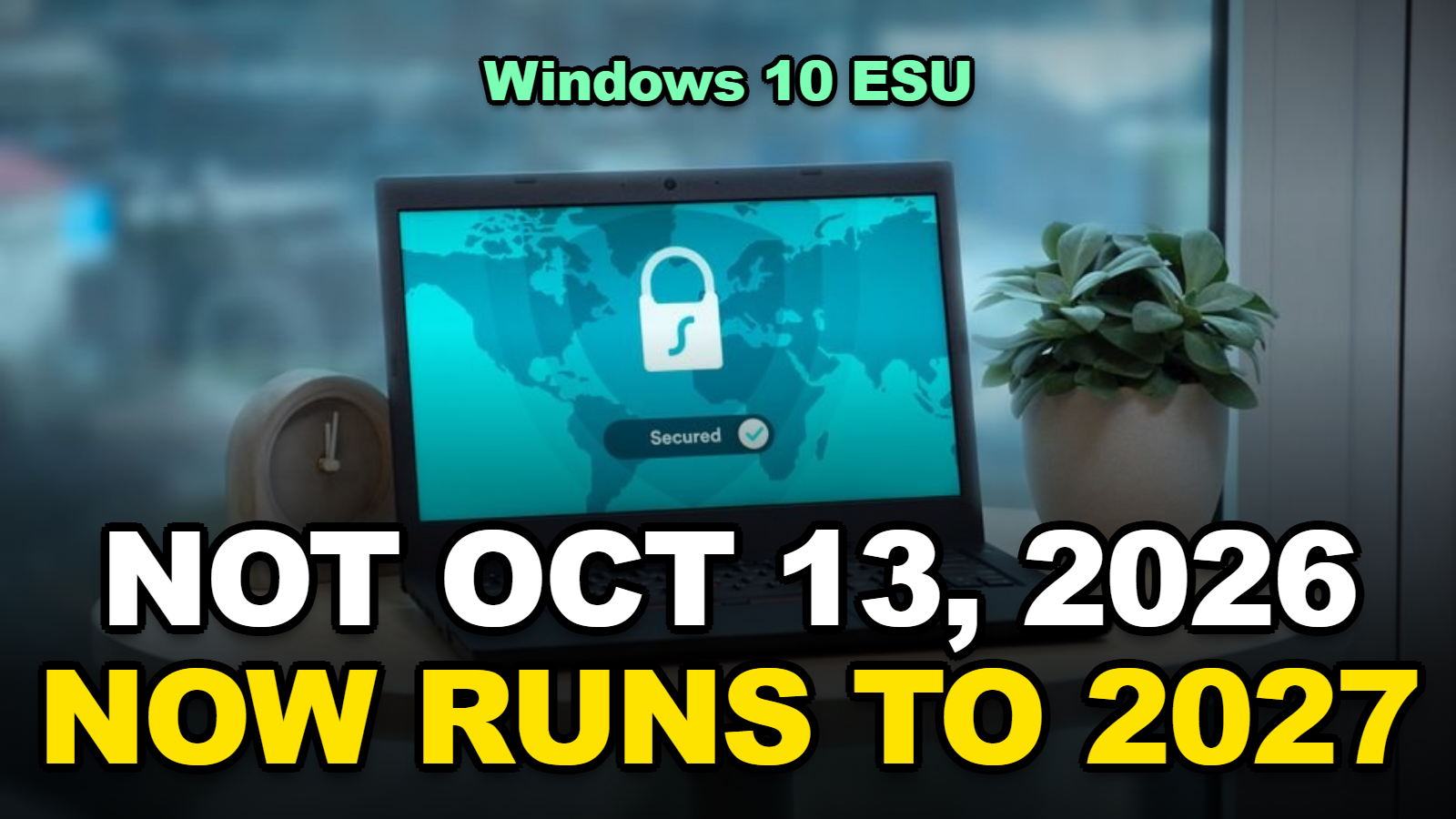
Short answer: No, Windows 10 security updates for home PCs do not stop on October 13, 2026. Microsoft extended the consumer Extended Security Updates (ESU) program to October 12, 2027. If your PC is already enrolled, coverage continues automatically. If it isn’t, you can still enroll for free by syncing your PC settings, or with 1,000 Microsoft Rewards points, or for $30. The real risk is a PC that was never enrolled and has been unpatched since October 2025.
Search “Windows 10 ESU end date” and you’ll still find plenty of pages saying October 13, 2026. Some are guides from last year. Some are newer and just wrong.
Microsoft changed the date in late June 2026, with an edit to its ESU page rather than a big announcement. So a lot of people are about to replace a working PC, or panic-upgrade, for a deadline that moved.
Here’s what the date actually is, and how to make sure your PC is really covered.
In This Explainer
- When Does Windows 10 ESU Actually End?
- Do You Need to Do Anything If You’re Already Enrolled?
- How Do You Check Whether Your PC Is Enrolled?
- What Does ESU Cost Now?
- Why Is There No “Enroll Now” Link on Your PC?
- What Should You Plan for Before October 2027?
- Tips
- Warnings
- FAQ
- Sources
When Does Windows 10 ESU Actually End?
The consumer Windows 10 Extended Security Updates program now ends on October 12, 2027, according to Microsoft’s Windows 10 ESU page, one year later than the original October 2026 end date. BleepingComputer reported that the change appeared as a quiet edit to Microsoft’s ESU documentation around June 25, 2026.
Microsoft’s explanation was short: “We understand that moving to a new PC can take time.” The extension covers personal devices only.
Here’s how the dates fit together:
| Date | What happens | Who it affects |
|---|---|---|
| October 14, 2025 | Windows 10 end of support | All Windows 10 PCs not in ESU stop getting security updates |
| October 13, 2026 | Original consumer ESU end — no longer the cutoff | Enrolled home PCs keep getting updates |
| October 12, 2027 | Consumer ESU program ends; last day to enroll | All consumer ESU PCs |
| Through October 2028 | Paid commercial ESU can run up to three years | Businesses and schools only |
Table: Windows 10 support and ESU timeline compiled from Microsoft’s Windows 10 ESU page and BleepingComputer reporting, as of October 1, 2026.
Do You Need to Do Anything If You’re Already Enrolled?
A Windows 10 PC already enrolled in consumer ESU needs no action to stay covered through October 12, 2027, because Microsoft states that coverage for enrolled devices “will automatically continue through that date.” That applies no matter how you enrolled — settings sync, Rewards points, or the $30 purchase.
When I checked Microsoft’s page, I found that it describes the $30 option as a “one-time purchase” and says all enrollment options cover updates through October 12, 2027. Nothing on the page asks $30 buyers to pay again for the second year.
That’s a better deal than it sounded a year ago. The same $30 now covers two years instead of one.
How Do You Check Whether Your PC Is Enrolled?
The quickest way to confirm Windows 10 ESU enrollment is to open Settings > Update & Security > Windows Update on the PC itself. If the PC is eligible but not enrolled, Microsoft says you’ll see a link to enroll there.
- Open Settings and go to Update & Security > Windows Update.
- Look near the top. An “Enroll now” link means this PC is not enrolled yet.
- Check your update history. Click View update history and look for monthly security updates after October 2025. If the newest one is from October 2025, the PC hasn’t been getting ESU patches.
- Repeat on every Windows 10 PC. Enrollment is per device. Your license can cover up to 10, but each one has to be added.
I noticed that step 3 is the one that catches people. A PC can look fine and still be missing a year of patches if the enrollment never finished.

What Does ESU Cost Now?
Windows 10 consumer ESU costs nothing if you sync your PC settings to a Microsoft account, 1,000 Microsoft Rewards points, or a one-time $30 (or local equivalent plus tax), and each option now covers updates through October 12, 2027. In the European Economic Area, BleepingComputer reports, ESU is free with a Microsoft account sign-in.
| Enrollment option | Cost | Cost per year of coverage (to Oct 2027) | Refundable? |
|---|---|---|---|
| Sync PC settings (Windows Backup) | $0 | $0 | Nothing charged |
| Redeem Microsoft Rewards | 1,000 points | 500 points | No — Rewards orders are final |
| One-time purchase | $30 + tax | About $15 (or $1.50 across 10 PCs) | Per Microsoft’s digital purchase policy |
Table: our own cost-per-year math from Microsoft’s published ESU options, assuming enrollment before October 2026. Coverage counted to October 12, 2027.
When I compared the three options, the free sync route came out ahead for almost everyone. The only reason to pay is if you don’t want your settings backed up to a Microsoft account.
Why Is There No “Enroll Now” Link on Your PC?
A Windows 10 PC won’t show the ESU enrollment link unless it runs version 22H2 of Home, Pro, Pro Education, or Pro for Workstations, has the latest updates including the ESU Licensing Preparation Package KB126256, and is signed in with a Microsoft account that is an administrator and not a child account. Those are Microsoft’s listed prerequisites.
Work through these in order:
- Wrong version. Press Win + R, type
winver. Anything older than 22H2 has to update first. - Missing updates. Run Windows Update until nothing is left. The preparation package has to be in place.
- Local account. Microsoft will prompt you to sign in with a Microsoft account to enroll.
- Child account. A parent with an admin Microsoft account has to enroll the device.
- Work-managed PC. Devices joined to a domain, managed by Microsoft Entra, or enrolled in MDM can’t use consumer ESU. Entra registered devices can.
- Kiosk mode. Not eligible either.
Most people hit the first two. Honestly, just running Windows Update a couple of times fixes it more often than anything else.
What Should You Plan for Before October 2027?
Windows 10 home PCs will stop receiving security updates after October 12, 2027 unless Microsoft extends consumer ESU again, so the extra year is best used to plan a move to Windows 11 or a replacement PC rather than to forget about it. Microsoft hasn’t announced anything past that date.
- ✅ Check your PC against the Windows 11 system requirements. ESU doesn’t stop you from upgrading.
- ✅ If it can’t run Windows 11, budget for a replacement during a sale season in 2027 rather than in a rush that October.
- ✅ Keep your browser and antivirus updated. ESU only covers critical and important Windows security updates — no feature updates, no tech support.
- ✅ Write down which PCs in the house are enrolled, so nobody’s laptop drops out unnoticed.
Tips
- One ESU license covers up to 10 PCs. Add family devices under the same Microsoft account instead of buying again.
- Once any user on a PC enrolls, every user account on that PC is protected. You don’t need to repeat it per user.
- Set a calendar reminder for summer 2027 to plan the move. That’s well before the October deadline crunch.
Warnings
- Don’t trust any page that still says home ESU ends October 13, 2026 without mentioning the extension. Check the date it was last updated.
- Rewards-based enrollments are final. If you’re unsure, use the free sync option first.
- An unenrolled Windows 10 PC has had no security patches since October 2025. Enroll it now or take it offline.
FAQ
Is it too late to enroll in Windows 10 ESU?
No. Microsoft says you can enroll any time until the program ends on October 12, 2027. After enrolling, your PC receives the critical and important security updates released since October 14, 2025.
Does the extension apply to businesses?
No. The free extra year applies to the consumer ESU program for personal devices. Businesses use the separate paid commercial ESU program, which can run for up to three years.
Can I still upgrade to Windows 11 after enrolling in ESU?
Yes. Microsoft says enrolling in ESU does not prevent you from upgrading to Windows 11, as long as your PC meets the hardware requirements.
Sources
- Microsoft — Windows 10 Consumer Extended Security Updates (ESU)
- BleepingComputer — Microsoft quietly extends free Windows 10 ESU support to October 2027
- Help Net Security — Microsoft gives Windows 10 users an extra year of free security updates
- Microsoft — Windows 11 specifications and system requirements
🔗 Related guides
Fact-checked based on Microsoft’s Windows 10 ESU page, Microsoft’s Windows 11 requirements page, BleepingComputer, and Help Net Security as of October 1, 2026. Dates and enrollment options may change; check Microsoft’s ESU page for the latest.