Office 2021 Support Ends October 13, 2026: Will It Stop Working, and Should You Keep It, Buy Office 2024, or Switch to Microsoft 365?
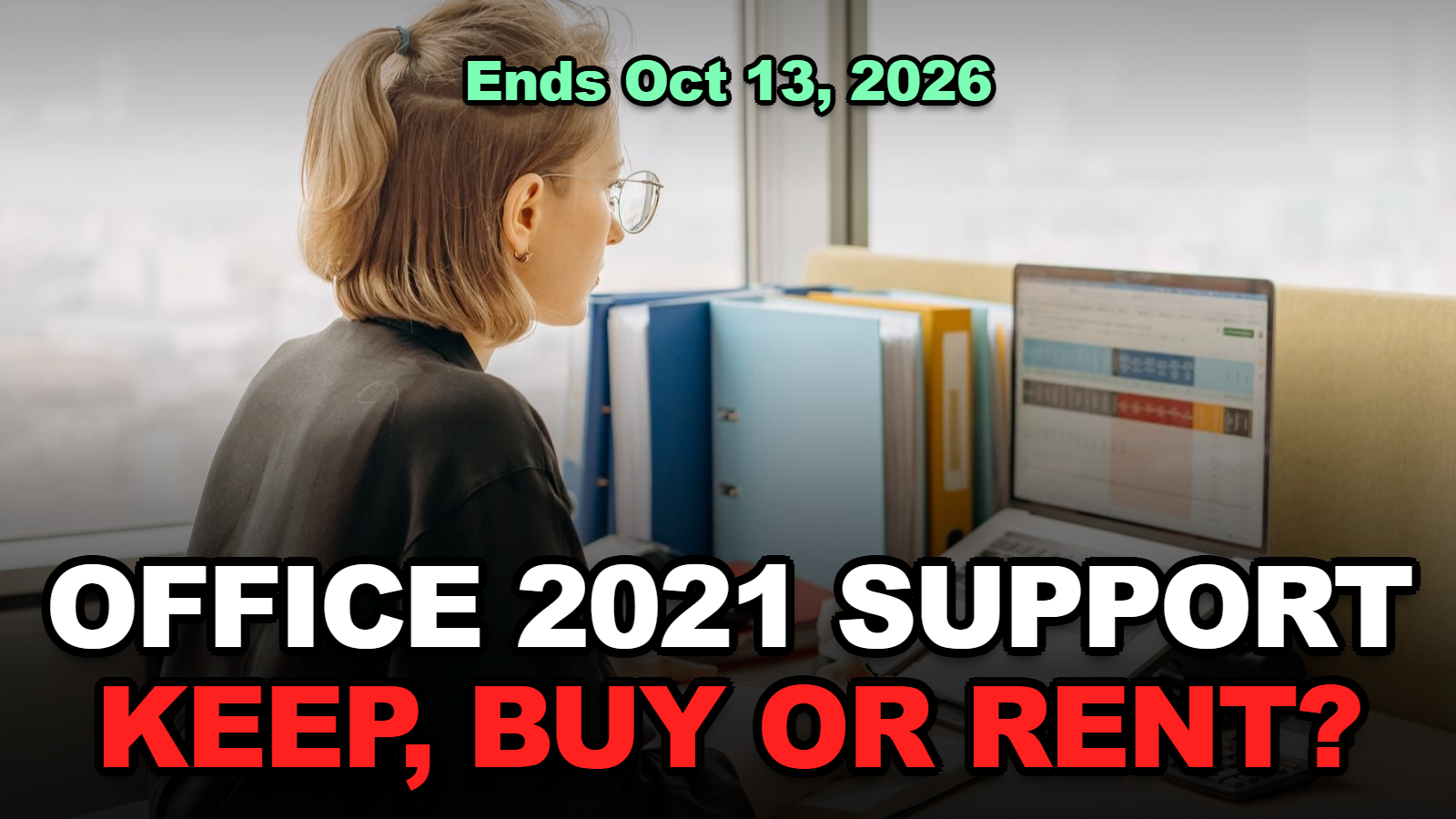
Short answer: Office 2021 does not shut off on October 13, 2026. Your apps will still open. What stops is the updates. Microsoft says security fixes end after that date. Bug fixes too. Phone and chat support as well. There is no paid extension this time. Outlook is the app to worry about, because it opens mail from strangers. If you only type offline documents, you can keep going for a while. If you rely on Outlook, plan a move now.
Ten days. That’s how long Office 2021 has left on Microsoft’s support calendar.
The date lands on the same day Windows 11 24H2 stops getting servicing, so a lot of people are seeing two warnings at once and assuming both mean “your computer stops working.” Neither one does.
This page covers the Office side only. It explains what actually changes after October 13, how to check whether you even have Office 2021, and how the three realistic options compare on cost and risk. If you’re here for the Windows side, there’s a separate guide on Windows 11 24H2 support ending October 13, 2026.
Jump to a Section
- Will Office 2021 Stop Working After October 13, 2026?
- How Do You Check Whether You Have Office 2021?
- Which Office 2021 Apps Are Actually Risky to Keep Using?
- What Happens to Publisher 2021?
- Keep, Buy Office 2024, or Switch to Microsoft 365?
- What Does Each Option Cost Through 2029?
- Moving Off Office 2021 Without Losing Files
- Tips
- Warnings
- FAQ
- Sources
Will Office 2021 Stop Working After October 13, 2026?
Office 2021 will keep opening and editing files after October 13, 2026, because Microsoft’s own end-of-support notice says all Office 2021 apps “may continue to function” — the change is that Microsoft stops shipping security fixes, bug fixes, and assisted support for them.
So nothing locks you out on the morning of October 14.
The exact cutoff on Microsoft’s lifecycle page is 10/14/2026 at 6:59:59 AM Pacific Time. In practice that means the end of October 13 in the US. According to Microsoft’s Office 2021 lifecycle page, this applies to Home and Student, Home and Business, and Professional. The Mac editions of Home and Student and Home and Business are on the same date.
When I checked Microsoft’s 2026 end-of-support list, I noticed that every standalone 2021 app is on it too. Word 2021. Excel 2021. Outlook 2021. PowerPoint 2021. Even Publisher 2021 and Visio 2021 get their own lines. Same October 13 date. Office LTSC 2021, the volume-licensed version many businesses run, also reaches end of support that day.
Here’s the part people miss. Windows 10 got a paid Extended Security Updates program. Office 2021 doesn’t. Microsoft’s support article for Office 2021 says there will be “no extension and no extended security updates.” If you read our piece on Windows 10 ESU running to 2027, don’t expect the same lifeline here.
| After October 13, 2026 | Office 2021 |
|---|---|
| Apps open and save files | Yes, they may continue to function |
| New security updates | No |
| Bug fixes and non-security updates | No |
| Phone or chat support from Microsoft | No |
| Paid Extended Security Updates | Not offered |
How Do You Check Whether You Have Office 2021?
To check your Office version on Windows, open Word or Excel, go to File, then Account, and read the product name under Product Information — it will say Office 2021, Office 2024, or Microsoft 365.
That’s the method Microsoft’s “What version of Office am I using?” page describes. If you don’t see Account, try Help in the same left-hand list.
On a Mac, open Word and click the Word menu, then About Word. The window shows the version and the license type.
A few labels confuse people:
- “Microsoft 365” or “Subscription Product” means you’re on the subscription. You aren’t affected. It keeps updating as long as you pay.
- “Office Home & Student 2021” or “Office Home & Business 2021” is the one-time purchase that’s retiring.
- “Office LTSC Professional Plus 2021” is the volume version. Talk to whoever manages your company’s licenses.
Honestly, most people with a laptop bought between late 2021 and 2024 that came with “Office included” should check. That bundle was often Home and Student 2021.
Which Office 2021 Apps Are Actually Risky to Keep Using?
Outlook 2021 is the riskiest Office 2021 app to keep after October 13, 2026, because it opens messages, links, and attachments sent by people you don’t control, and any security flaw found after that date will stay unpatched.
Word and Excel come next, but only for one kind of file. Documents you wrote yourself on your own machine carry little risk. Files that arrive from outside are a different story. That means email attachments, downloaded invoices, and spreadsheets with macros from a vendor.
So the risk depends on how you use it.
If your Office 2021 copy lives on an offline PC that only edits your own files, the practical exposure is small. If it’s the family laptop where someone opens every “your package is delayed” attachment, the exposure grows every month without patches.

| How you use Office 2021 | Risk after Oct 13 | Reasonable move |
|---|---|---|
| Outlook for daily email | Highest | Switch before or soon after the date |
| Opening attachments and macro files from others | Medium to high | Upgrade, or open them in a web app instead |
| Writing your own Word and Excel files | Low to medium | Keep for now, plan a move within a year |
| Offline PC, no email, no downloads | Low | Keep |
This table is our own judgment based on how files reach each app. It isn’t a Microsoft rating.
What Happens to Publisher 2021?
Publisher 2021 reaches end of support on October 13, 2026 along with the rest of Office 2021, and Microsoft is retiring Publisher as a product entirely, so there is no newer version to upgrade to.
This one is bigger than a normal version change.
According to Microsoft’s Publisher retirement notice, Microsoft 365 subscribers lost access to Publisher after October 1, 2026. Support for the perpetual version ends October 13, when Office 2021 and Office LTSC 2021 reach end of support. Microsoft points people to Word and PowerPoint for cards, calendars, labels, and newsletters.
When I compared the app lists, I found that Office Home & Business 2024 on microsoft.com names Word, Excel, PowerPoint, Outlook, and OneNote. No Publisher. Buying Office 2024 won’t bring it back.
If you have a folder full of .pub files, save them as PDF now while Publisher 2021 still runs. Microsoft’s notice gives the steps: File, Save As, choose PDF. Keep the original .pub files too.
Keep, Buy Office 2024, or Switch to Microsoft 365?
For most home users with Office 2021, the choice comes down to three paths: keep Office 2021 unpatched, buy Office 2024 once and get support until October 2029, or pay yearly for Microsoft 365 and stay updated indefinitely.
Each one fits a different person. Here’s how they line up.
| Option | Cost (microsoft.com, Oct 3, 2026) | Support ends | Best for |
|---|---|---|---|
| Keep Office 2021 | $0 | Oct 13, 2026 | Offline use, no Outlook |
| Office Home 2024 | $179.99 one time, 1 PC or Mac | Oct 10, 2029 | One computer, hates subscriptions |
| Office Home & Business 2024 | One time (check current price) | Oct 10, 2029 | Needs classic Outlook, no subscription |
| Microsoft 365 Personal | $99.99/year or $9.99/month | Updated while subscribed | One person, several devices |
| Microsoft 365 Family | $129.99/year, 1 to 6 people | Updated while subscribed | Households with 3 or more users |
Prices come from Microsoft’s compare-all-products page as of October 3, 2026. They change, so confirm before you buy.
A quick word on Office 2024’s end date. According to Microsoft’s Office 2024 lifecycle page, Office 2024 Home and Home & Business retire on October 10, 2029. Buy it today and you get about three years of updates. Not five or ten.
That surprised me a little. Office 2021 got about five years, from October 2021 to October 2026.
What Does Each Option Cost Through 2029?
From October 2026 to Office 2024’s October 2029 retirement, Office Home 2024 costs $179.99 once, while Microsoft 365 Personal at $99.99 a year costs about $300 over the same three years.
I did this math myself from the list prices above. Taxes and sales aren’t included.
- Office Home 2024: $179.99 ÷ 3 years ≈ $60 a year, for one computer.
- Microsoft 365 Personal: $99.99 × 3 = $299.97, for one person.
- Microsoft 365 Family: $129.99 × 3 = $389.97, shared by up to 6 people. Split four ways, that’s about $97 per person for three years.
So for a single PC, the one-time purchase wins on price. It’s not close.
The subscription earns its cost in other situations. You might use Office on a laptop and a phone and a tablet. You might want the 1 TB of OneDrive storage Microsoft lists for each person. Or several people in the house need it. And in 2029 you’d be facing this same decision again with Office 2024, while a subscription just keeps going.
One more angle: Microsoft’s free web versions of Word, Excel, and PowerPoint at office.com. For light editing they’re often enough. They aren’t the full desktop apps, though, and they need a connection.
Moving Off Office 2021 Without Losing Files
Your Word, Excel, and PowerPoint files don’t change format when you upgrade. Office 2024 and Microsoft 365 open them as-is. The work is mostly in Outlook and Publisher.
- Find your version. File, then Account. Write down the exact product name.
- Export Publisher files. Save each .pub as PDF while Publisher 2021 still works.
- Check where your Outlook mail lives. Outlook.com, Gmail, and most work accounts keep mail on the server, so a new Outlook just re-downloads it. Mail stored only in a local data file needs a backup first. Our guide on fixing Outlook sync problems helps if the new install doesn’t pull everything in.
- Install the new version. Leave Office 2021 alone until the new apps open your files and mail correctly.
- Open a few macro workbooks and confirm they still run before you delete anything.
Most people skip step 3 and regret it.
Tips
- Check the Office version on every computer in the house, not just yours. Older laptops are the usual Office 2021 holdouts.
- Keep Windows Update on even if you keep Office 2021. Windows patches still protect the system around it.
- If you only need Outlook, try a different mail app first. You may not need a full Office upgrade at all.
- Students should look at Microsoft’s student plans on the same compare page before paying full price.
Warnings
- Be wary of cheap “lifetime Office” keys sold on marketplaces. Many are volume or grey-market licenses that can be deactivated later.
- Don’t uninstall Office 2021 before you’ve exported Publisher files to PDF.
- Unsupported doesn’t mean safe to ignore forever. The risk grows over time as new flaws are found and never fixed.
- Business users on Office LTSC 2021 should not buy consumer Office 2024 without checking their license terms with IT.
FAQ
Can I still install Office 2021 after October 13, 2026?
Microsoft’s notice says Office 2021 apps may continue to function after end of support, but it promises no updates or help. Any copy you install after that date is software that no longer gets security fixes.
Does Office 2021 for Mac also lose support?
Yes. Microsoft lists Home and Student for Mac and Home and Business for Mac under the same Office 2021 retirement date of October 13, 2026. The Mac apps keep opening, but they stop getting updates.
Will my Excel and Word files still open in Office 2024 or Microsoft 365?
Yes. Office 2021, Office 2024, and Microsoft 365 use the same file formats for Word, Excel, and PowerPoint. Publisher files are the exception, so convert them to PDF first.
Before October 13: check your version in File, then Account. Export any Publisher files to PDF. If Outlook 2021 is your daily mail app, pick your replacement this week rather than after the deadline.
Sources
- Microsoft Lifecycle — Office 2021
- Microsoft Lifecycle — Ending Support in 2026
- Microsoft Support — End of support for Office 2021
- Microsoft Support — Microsoft Publisher will no longer be supported after October 2026
- Microsoft Lifecycle — Office 2024
🔗 Related guides
Fact-checked against Microsoft Lifecycle and Microsoft Support pages and microsoft.com product pricing as of October 3, 2026. Prices and dates can change; confirm on microsoft.com before purchasing.