Pixel 6 and 6 Pro Lose Support in October 2026: Is Yours Still Safe to Use, and What to Do Before You Upgrade
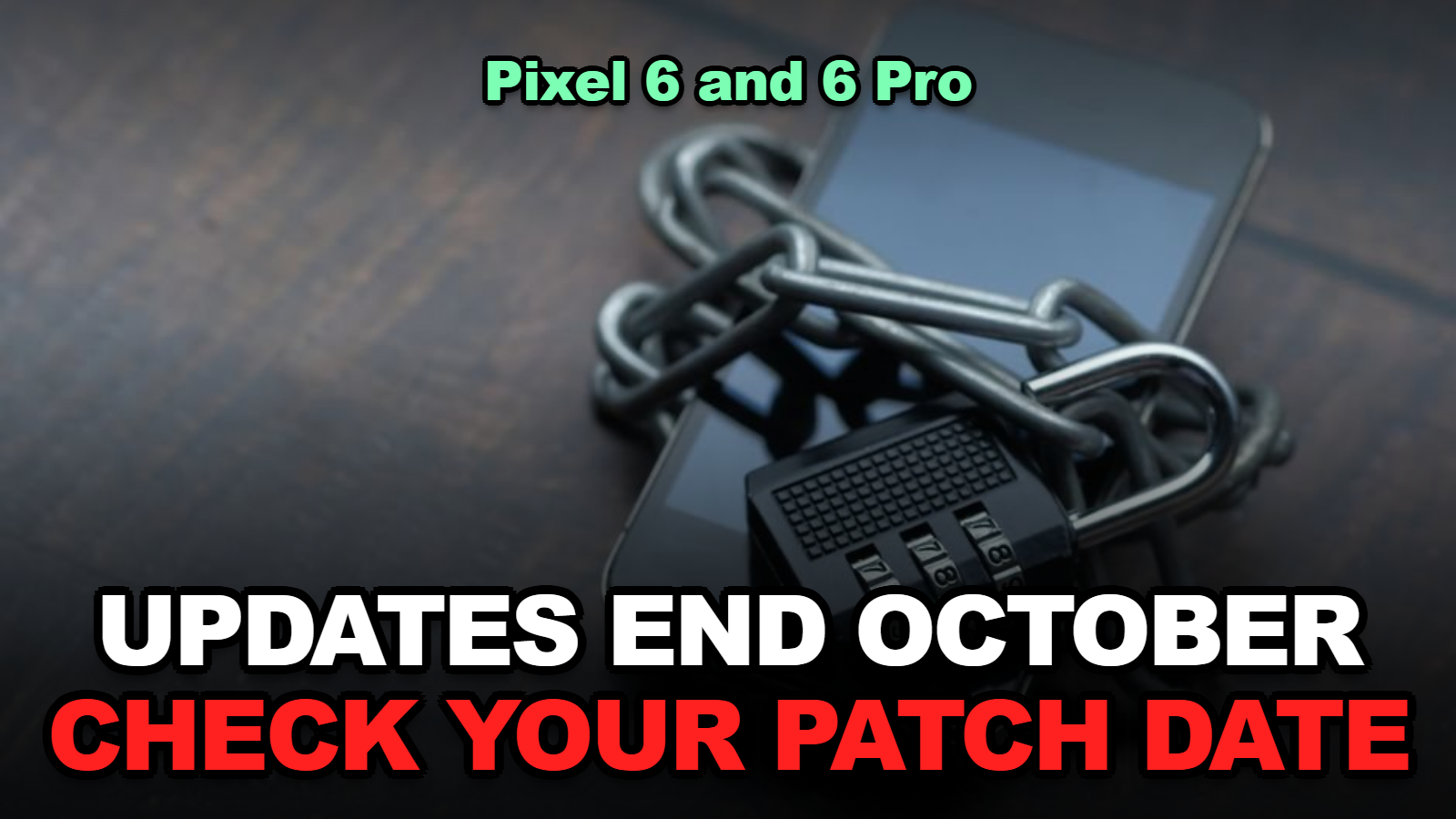
Short answer: The Pixel 6 and Pixel 6 Pro reach the end of Google’s five-year update window in October 2026. Android 17 QPR1 is their last big update. The phone won’t shut off and your apps keep running. What stops is security patches, so every new Android flaw found after October stays open on your phone. Check your patch date today. Then decide whether to replace the phone now or move it to low-risk duty.
Nothing dramatic happens to a Pixel 6 at midnight when support ends. That’s exactly why so many people keep using one for two more years without noticing.
Google confirmed in July that Android 17 QPR1 would be the final major release for the Pixel 6 and Pixel 6 Pro, and that both phones reach end of life in October 2026. If you own one, the next few weeks are the last stretch where your phone is still being patched.
Here’s what actually changes, how to check where your phone stands, and a simple way to decide what to do with it.
Jump to a Section
- When Does Pixel 6 Support Actually End?
- What Stops Working After Your Pixel 6 Loses Support?
- How Do You Check Your Pixel’s Security Patch Date?
- Which Other Pixels Are Next in Line?
- Is a Pixel 6 Still Safe to Use in 2027?
- Before You Trade It In or Pass It Down
- Tips
- Warnings
- FAQ
- Sources
When Does Pixel 6 Support Actually End?
Google’s update guarantee for the Pixel 6 and Pixel 6 Pro ends in October 2026, five years after the phones first went on sale on the US Google Store in October 2021, under the five-year policy on Google’s Pixel update support page.
Google’s policy is written as a rolling window. Pixel 6, 6 Pro, 6a, 7, 7 Pro, 7a, and the original Pixel Fold “will get updates for 5 years starting from when the device first became available on the Google Store in the US.” Pixel 8 and later get seven years.
The last feature release is already out. Droid Life reported on July 20, 2026 that Google’s Android 17 QPR2 beta announcement said Pixel 6 and 6 Pro users “will not be getting” that beta because the devices “will reach End of Life,” making Android 17 QPR1 the last one.
So if your phone is on Android 17 QPR1 now, you’re already on the final big version. Any October security patch would be the last of any kind.
What Stops Working After Your Pixel 6 Loses Support?
After October 2026 a Pixel 6 or Pixel 6 Pro stops receiving monthly Android security patches, new Android versions, Pixel Drop features, and device-specific bug fixes, but the phone, its apps, calls, and texts keep working normally.
This part trips a lot of people up. End of support isn’t an off switch. It’s the moment the phone stops getting repaired.
| Feature | After October 2026 | What it means for you |
|---|---|---|
| Monthly Android security patches | Stop | New system-level flaws stay unfixed on your phone |
| New Android versions (QPR2, Android 18) | Stop | You stay on Android 17 QPR1 |
| Pixel Drop features | Stop | No new camera or AI features |
| Apps from the Play Store | Keep working | Until each app drops support for your Android version |
| Calls, texts, camera, Wi-Fi | Keep working | The hardware is unchanged |
| Google Play system updates | Delivered separately through Google Play | Some components still update, but they don’t replace full security patches |
Table: compiled from Google’s Pixel update policy and Droid Life’s July and September 2026 reporting, checked October 5, 2026.
Apps are the slow fade. Banking, payment, and work apps tend to raise their minimum requirements over time, and an unpatched phone is the first to get left behind. That won’t happen in November. It can happen within a year or two.
How Do You Check Your Pixel’s Security Patch Date?
On a Pixel running Android 17, the security patch date is shown under Settings > Security & privacy > System & updates > Security update, and the same date appears under Settings > About phone > Android version.
- Open Settings and tap Security & privacy.
- Tap System & updates, then Security update. The date at the top is your current patch level.
- Tap “Check for update” and install anything waiting. Don’t let the last patches sit unapplied.
- Go back and open Google Play system update on the same screen. Install that too.
- Write the date down. Once it stops changing for a couple of months, you’re unsupported.
Here’s something worth knowing. Droid Life found on September 22, 2026 that Pixel 6 and Pixel 7 phones had skipped monthly releases in eight different months since July 2025, including August 2026. Google’s response was that Pixel phones “will remain security compliant for the full duration of their support windows.”
When I checked that list against the calendar, I noticed that the gaps came in pairs, then singles. An older Pixel showing a patch date that’s two or three months old doesn’t automatically mean something is broken. It’s how these phones have been updated for a while.

Which Other Pixels Are Next in Line?
Under Google’s policy, the Pixel 6a is supported until about July 2027 and the Pixel 7 and 7 Pro until about October 2027, while the Pixel 8 and every later Pixel get seven years of updates from their US launch.
If your household has a drawer of hand-me-down Pixels, this is the order they’ll age out:
| Phone | US launch | Policy | Updates end around |
|---|---|---|---|
| Pixel 6 / 6 Pro | October 2021 | 5 years | October 2026 |
| Pixel 6a | July 2022 | 5 years | July 2027 |
| Pixel 7 / 7 Pro | October 2022 | 5 years | October 2027 |
| Pixel 7a | May 2023 | 5 years | May 2028 |
| Pixel 8 / 8 Pro | October 2023 | 7 years | October 2030 |
| Pixel 8a | May 2024 | 7 years | May 2031 |
Table: our own calculation, applying the 5-year and 7-year windows from Google’s Pixel update policy to each model’s US launch month. Google counts from the exact first day on sale, so the end can fall a few weeks either side.
When I compared the launch months, I found that the jump between the Pixel 7a and Pixel 8 is the one to notice. A used Pixel 8 bought today still has four years of patches left. A used Pixel 7 has about one.
Is a Pixel 6 Still Safe to Use in 2027?
A Pixel 6 used for banking, email, and two-factor codes becomes steadily riskier after October 2026, because any Android vulnerability disclosed after its final patch remains exploitable on that phone, while low-risk uses like a music player, camera, or home controller carry much less exposure.
Risk depends on what’s on the phone, not on the phone itself. A quick way to sort it:
- Replace soon: it’s your main phone, it holds your banking and authenticator apps, and you install apps from outside the Play Store.
- Fine for a while: it’s a backup phone with no payment apps, or a kid’s first phone with tight parental controls and no saved cards.
- Good second life: a dedicated smart home remote, a dashcam, a baby monitor screen, or a music player on Wi-Fi.
If you do keep it as a daily phone into 2027, cut what it can reach. Move your authenticator to a supported device. Remove saved cards from Google Wallet on the old phone. Uninstall apps you don’t use, since every installed app is one more door.
Shopping for the replacement? Deal events are where Pixels usually see their lowest prices, and our guide to setting Amazon Auto Buy before Prime Big Deal Days covers how to grab a target price without watching all day.
Before You Trade It In or Pass It Down
A Pixel 6 should be backed up, removed from your Google account, and factory reset before it leaves your hands, because a phone still signed in to Google keeps Factory Reset Protection active and can’t be set up by the next owner.
- Back up under Settings > System > Backup, and confirm photos finished uploading in Google Photos.
- Move your authenticator codes to the new phone and test one sign-in before wiping the old one.
- Remove the phone from Google Wallet and any bank app’s trusted-device list.
- Sign out of your Google account on the phone, then do the factory reset.
- Take out the SIM, or transfer your eSIM to the new device first.
Most people skip step 2 and lock themselves out of something for a week. Honestly, it’s the only step that’s hard to undo.
And if your first move is a fresh Pixel, our Pixel 11 upgrade breakdown covers what changed in this year’s lineup.
Tips
- Install every pending update before October ends so the phone sits on its final, most-patched build.
- If you’re buying used, check the model’s support end date before the price. A cheap phone with six months left isn’t cheap.
- A retired Pixel 6 makes a solid always-on smart home panel. Keep it on Wi-Fi only, with no personal accounts beyond what the home app needs.
- Set a reminder for your next phone’s end date the day you buy it.
Warnings
- Don’t sideload apps on an unsupported phone. Unpatched flaws are most often exploited through apps from outside the Play Store.
- Don’t factory reset before you’ve moved two-factor codes. Some services take days to recover an account.
- Ignore pop-ups or texts claiming your “Pixel 6 has expired” and needs a paid fix. Google doesn’t sell extended support for these phones.
- Don’t assume a missing monthly update means support already ended. Older Pixels have been on an irregular schedule since 2025.
FAQ
Will my Pixel 6 stop working in November 2026?
No. The phone keeps making calls, running apps, and taking photos. It just stops receiving security patches and new Android versions after Google’s support window ends in October 2026.
Does the Pixel 6a lose support at the same time as the Pixel 6?
No. The Pixel 6a launched later, in July 2022, so under Google’s five-year policy its updates run until about July 2027, roughly nine months after the Pixel 6 and 6 Pro.
Can I install Android 18 on a Pixel 6 anyway?
Not officially. Google confirmed Android 17 QPR1 is the last major update for the Pixel 6 and 6 Pro. Unofficial custom builds exist, but they require unlocking the bootloader and carry their own risks.
Sources
- Google Pixel Phone Help — Learn when you’ll get software updates on Google Pixel phones
- Droid Life — Google confirms end of life status for Pixel 6 and Pixel 6 Pro (July 20, 2026)
- Droid Life — Pixel 6 and Pixel 7 updates are missing (September 22, 2026)
🔗 Related guides
Fact-checked against Google’s Pixel update policy and Droid Life’s reporting as of October 5, 2026. Support end months for other models are calculated from Google’s published policy; Google may announce exact dates separately.